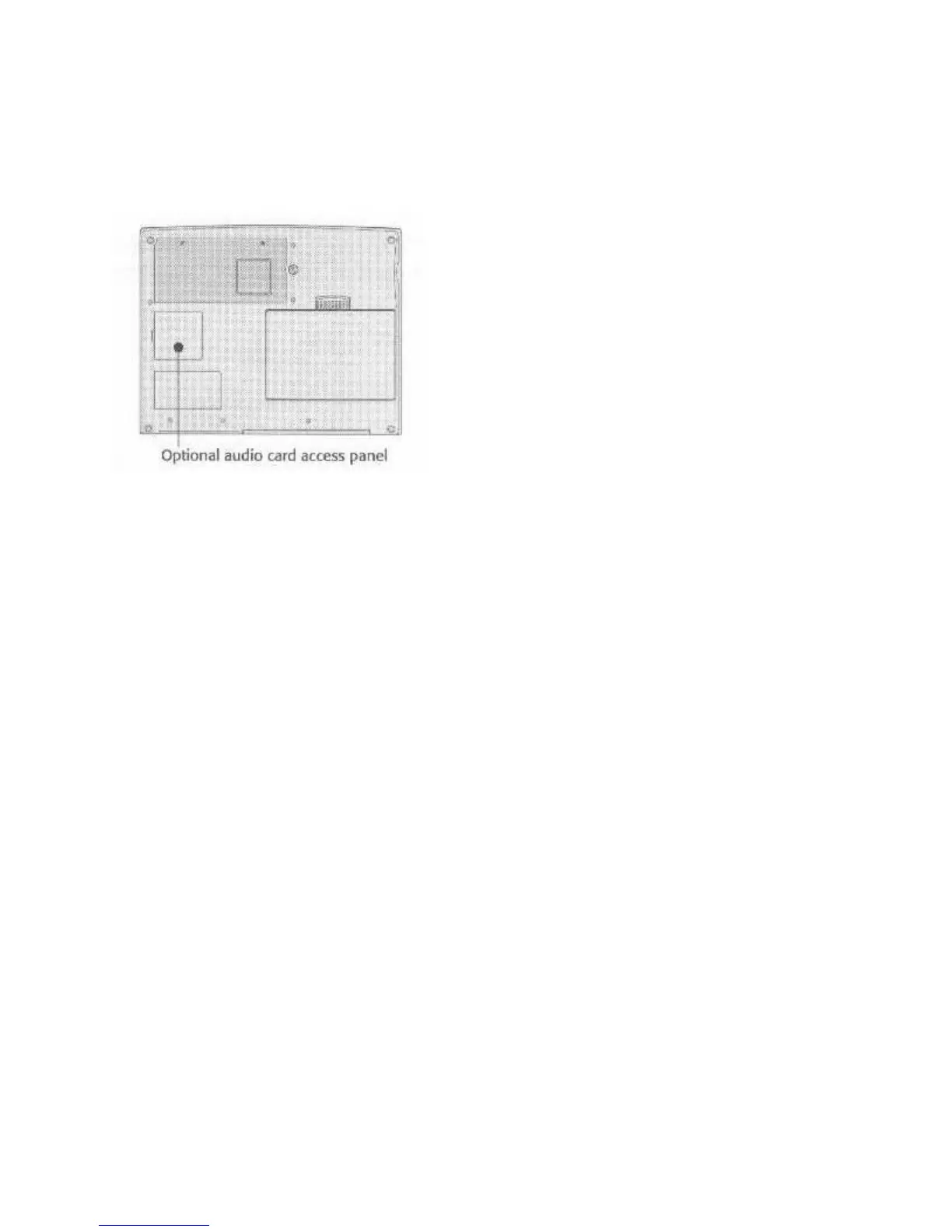
audio card later, you can easily install it yourself using the instructions that come with the
hardware.
Figure 19: Audio Upgrade Compartment Access
Audio cards can enhance:
• Presentations
• Game audio
• CD-ROM soundtracks
• System sounds
All the software that comes with the audio card comes with its own documentation that explains
how to install and use it. We install the software for you when you order toe audio card with your
WinBook, so if the card is already installed in your system, you’ll find the software for it
installed and configured on your hard disk.
Audio System Setup Options
The Setup program allows you to enable or disable the internal audio function and select which
IRQ line the audio card will use. The BIOS will default to the IRQ7 setting. In some instances,
this may cause a conflict with other hardware. If you have problems getting the audio card to
work correctly, you may need to set the audio board to use IRQ5. You can set the IRQ on Page
3, Advanced Setup, of the Setup program.
Using DOS Games
Although no special software or drivers are required to run DOS games and multimedia software
on your computer, programs like this will normally have setup options when you install them.
Then you’re installing them, you should select the “SoundBlaster™” option. Most newer
software will automatically configure itself so you won’t need to worry about port setting, etc.
Older software may ask for setup parameters at installation. For these programs, select
“SoundBlaster™” with port settings at 220, IRQ set to 7, and DMA channel set to 1.



 To Next Page