25 OFFICESUITE UC
®
—ADMINISTRATOR USER GUIDE
Viewing Which Call Groups You Are In
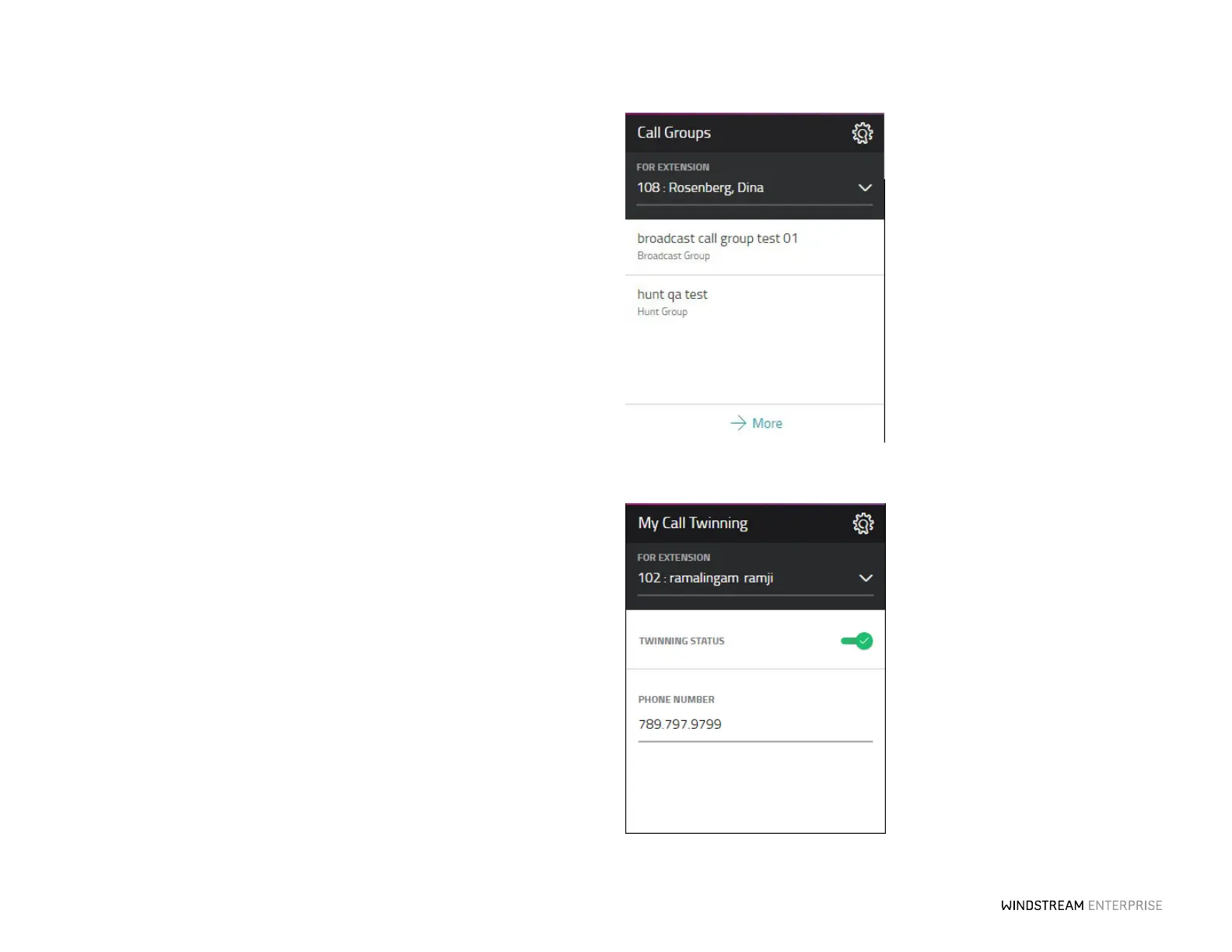
You can quickly view which Call Groups you are a member of at anytime by selecting
the extension from the drop-down list and clicking on the More buon on the My Call
Groups widget. If you were granted permissions to Join or Leave a group, you may do so
here as well.
Never Miss a Call With Twinning
OceSuite UC’s Call Twinning feature allows incoming calls to ring your oce phone
and any other phone simultaneously. This means you never miss an important call if you
are away from your desk. From the My Call Twinning widget, select the extension from
the drop-down list and enter the phone number you want to ring simultaneously. Slide
the Call Twinning toggle to ON and click the Save buon.



 To Next Page