❶
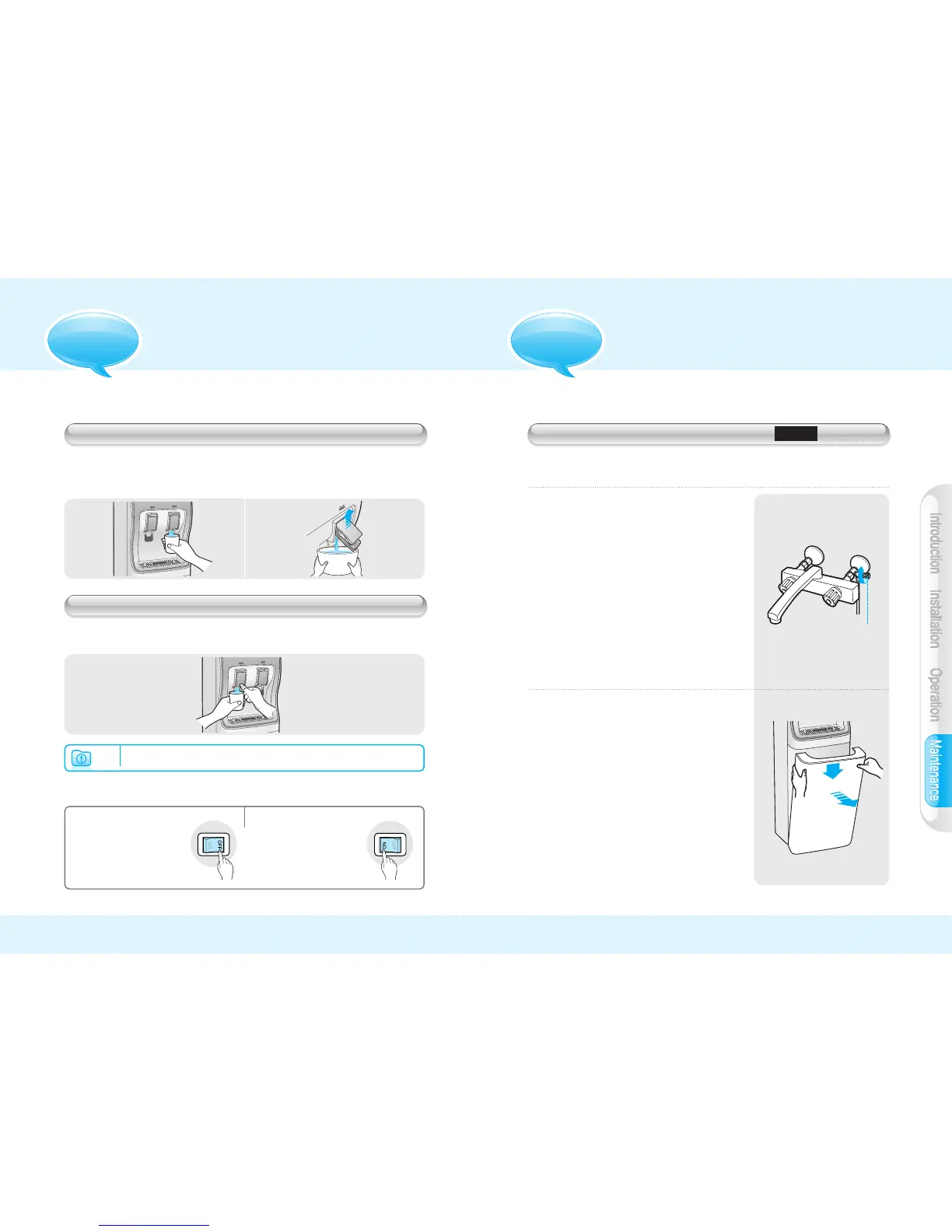
Close water supply valve.
❷
Pull front cover out to take it off.
❸
Replace old filter with a new filter.
❹
Put front cover back by pushing
it back into position.
❺
Open water supply valve to resume
operation
Water supply
valve handle
1413
OPTIONAL WATER FILTERS REPLACEMENT
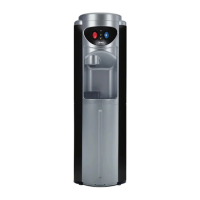
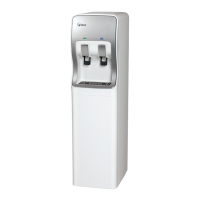
Models W-3C, W-3D
●
Press Cold water lever with
cup for momentary water flow.
●
Pull Cold water lever up for
continuous water flow. Pull lever
back down to stop water flow.
●
Press Hot water lever with cup simultaneously with
Hot Water Safety Switch for momentary water flow.
COLD WATER DISPENSER
HOT WATER DISPENSER
OPERATION
▶Continuous water flow is not available on Hot Water dispenser.
Note
▒
ENERGY SAVING MODE: HOT/COLD WATER MODELS(W-3D, W-3TD)
Depending on your specific
needs and natural
conditions such as weather
and/or seasons, you can
turn Water Cooling and/or
Heating systems On/Off at
your convenience.
Operate the Hot/Cold
Water Switch to
❶“`ON”position to get
Hot/Cold Water
❷“Off”position to get
water at the
temperature of the room.
■`
Replace Optional water filters on a regular basis to maintain
performance and efficiency of your product.
MAINTENANCE


 To Next Page