5
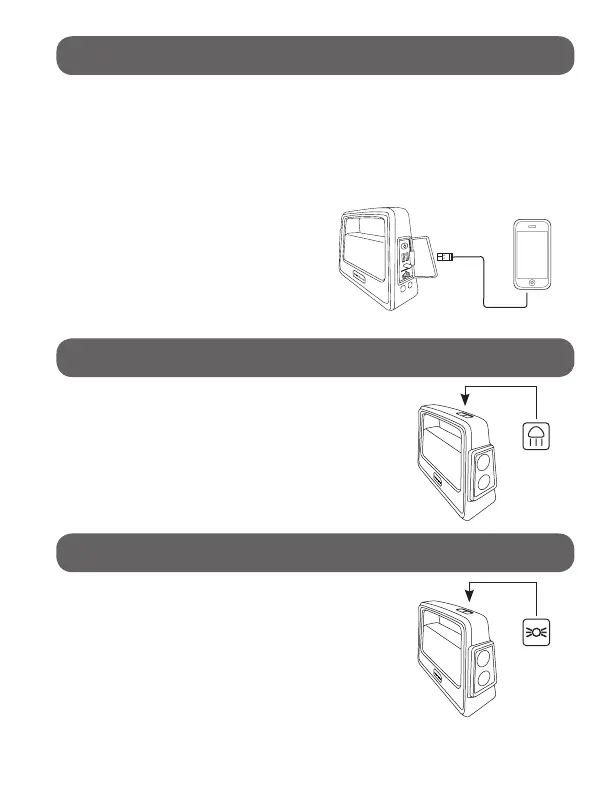
Use the original manufacturer’s USB cable that came with your
device and plug into one of the USB output ports. You can
charge two devices at the same time. One of the ports has a
maximum output of 2.4A while the other has a maximum output
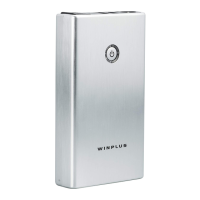
of 2.1A. Press the power button once to begin charging your
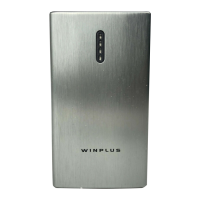
device. The power level indicator will show the battery level and
turn off after 30 seconds.
To check the power capacity
again, simply press the power
button once.
Press the spotlight button once to turn
on the spotlight.
Press the spotlight button to turn off Spotlight.
Press the lantern button again to turn off.
CHARGING YOUR USB DEVICES:
LED SPOTLIGHT
Press the spotlight button a second time to
change the brightness level to 50%.
Press the lantern button once to turn on the
lantern light for full brightness.
LED LANTERN LIGHT
Press the lantern button a second time to
change the brightness level to 50%.


 To Next Page