12
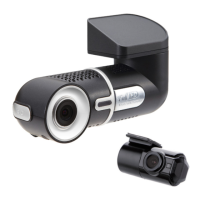
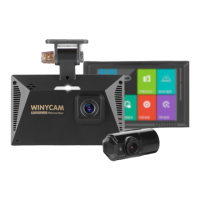
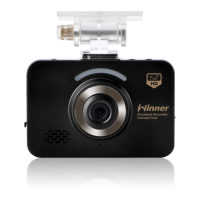
WINYCAM Winner
How to use
How to use
1. Record : Winner is automatically boot at power on, and a constant(normal) recording starts as an initial recording mode.
2. Recording Mode : it is classified into driving recording mode and parking (motion) recording mode.
3. Recording Method : it is classified into a Constant(normal) recording, event recording, motion recording.
※ For automatic recording and manual recording methods, please refer the below table.
※ After changed to Parking mode, LCD will be on for 30sec nevertheless you set screen saving time
as 30se/60sec/always.
※ When turned to “Parking Mode” G-sensor sensitivity will be more sensitive than driving mode.
REC Mode
Driving
Mode
Parking
(Motion)
Mode
REC Method
Constant(normal)
REC
-
Memory save
Event REC In G-sensor detect shock
Motion REC
-
Including before 10 sec
Event/Motion detect
Event REC In G-sensor detect shock
Auto REC Mode REC Time
3-4. How to record


 To Next Page