32
WINYCAM Winner
How to use
How to use
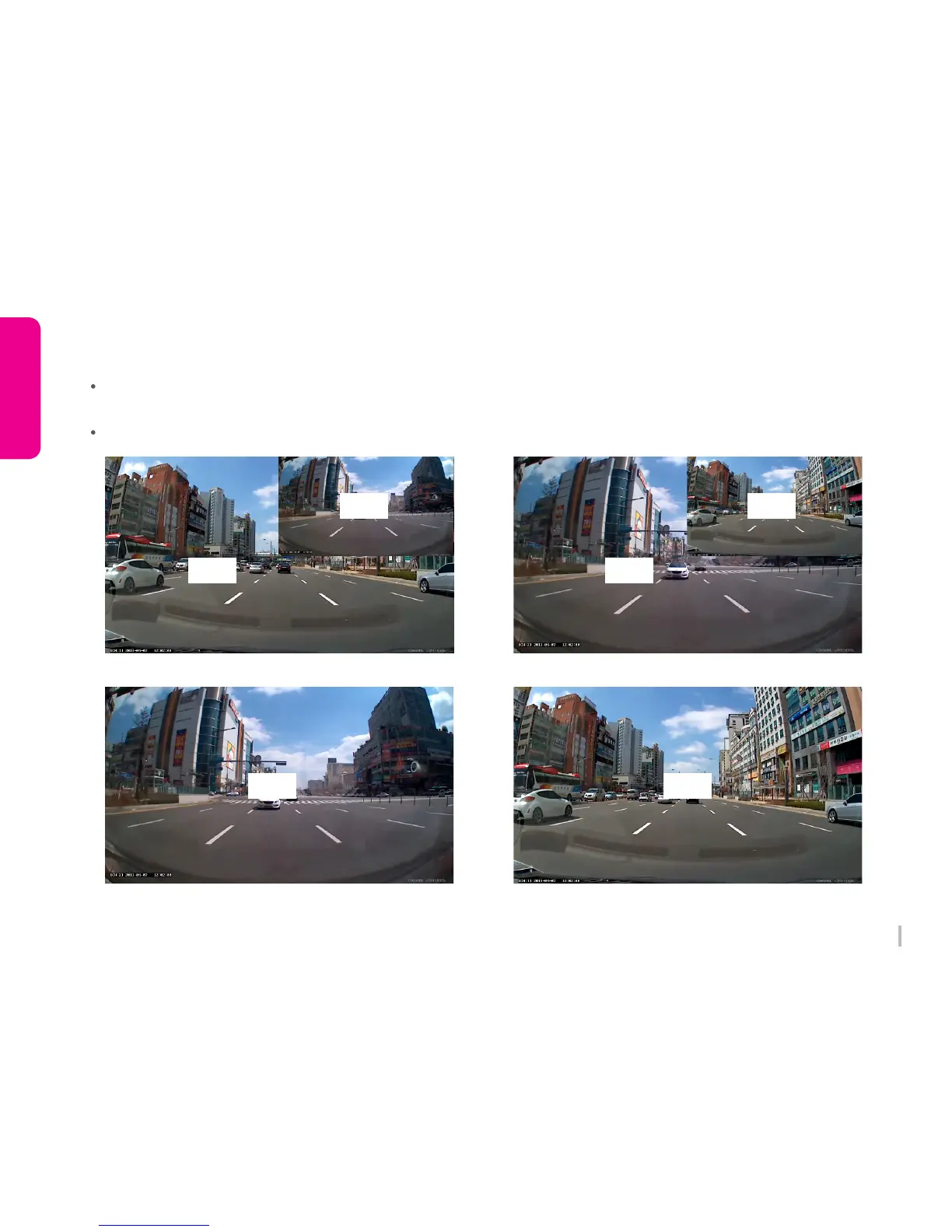
3-17. How to display Front / Rear screen
When 2CH is setting, if you touch right upper screen (¼ of whole screen), LCD screen will be changed
automatically Front/Rear, Rear/Front, only Font, only Rear.
Only LCD Screen looks different, 2CH images will be recorded when rear camera is connected.
Front/Rear LCD Screen Rear/Front LCD Screen
Rear LCD Screen Front LCD Screen
Rear
Rear Front
Front
Front Rear


 To Next Page