LED INDICATION
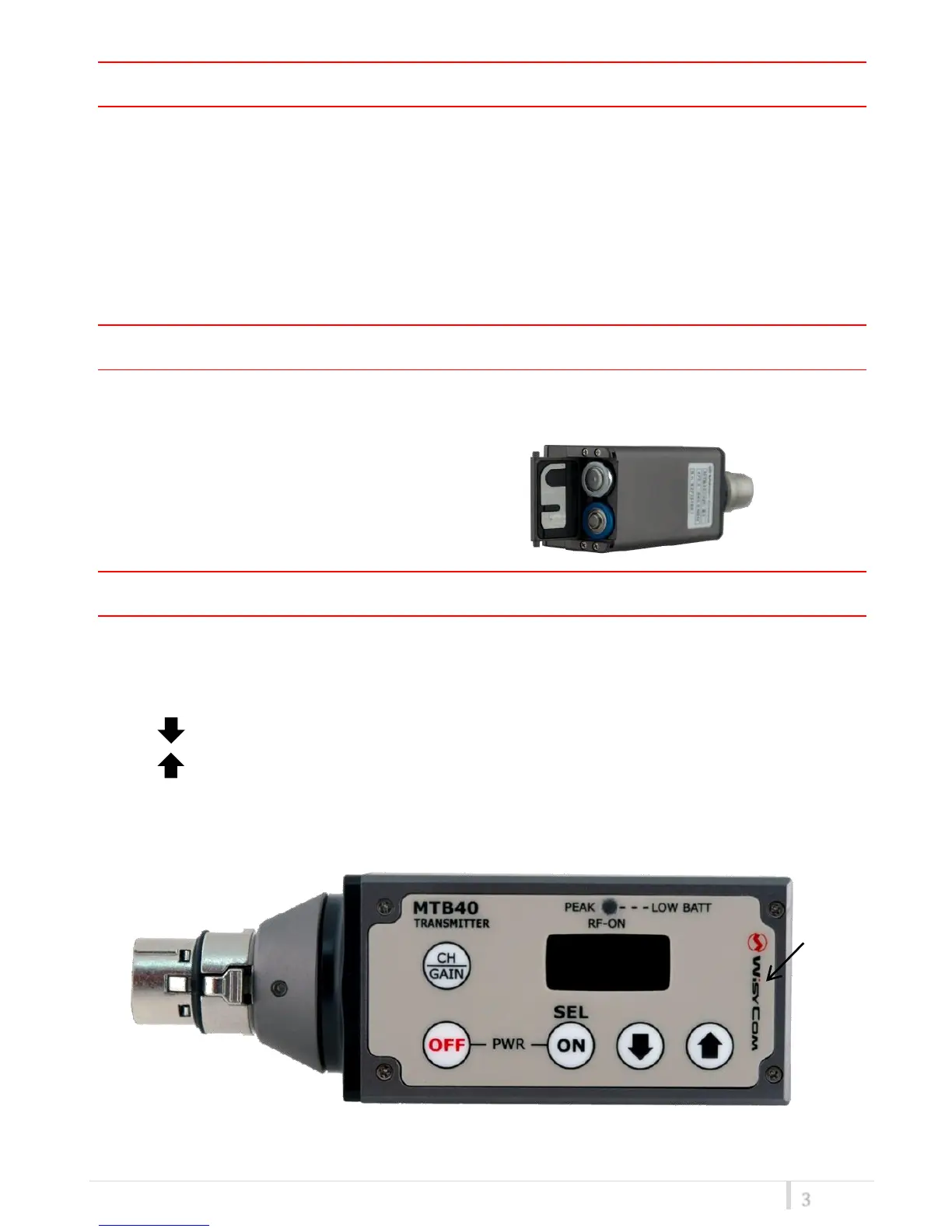
The front led is a bi-color indicator (red & green) which shows the following status of the
transmitter:
- Wireless transmission status: green when RF transmission power is on (on power on the
device, this LED is red and become green when the RF transmission power is on).
- Battery status: green steady, slowly blinking (< 25%), quickly blinking (<12%).
- Modulation peek (if activated): red.
BATTERIES
MTB40 is working with 2 AA alkaline, NiMH or Lithium batteries (select correct type on setup
controls). Battery status can be checked on internal OLED display or looking to LED status on front.
BATTERY SUBSTITUTION
Open transmitter cover and insert batteries.
Attention: always replace both the batteries
OPERATING CONTROL



 To Next Page