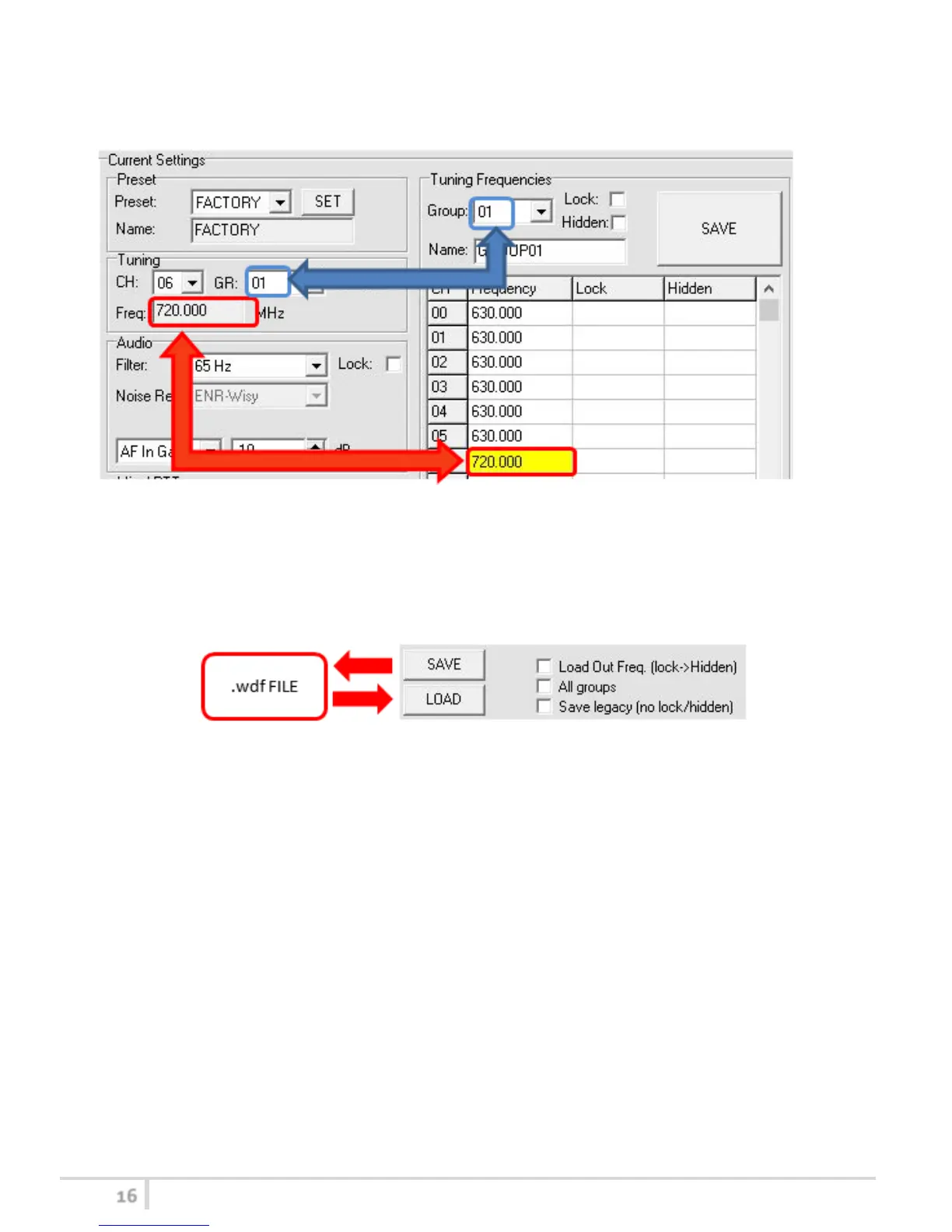
If the currently tuned channel is on the same group that is listed on the grid, the background color of
the related cell (channel) on the grid becomes yellow.
Using the LOAD/SAVE button, at the bottom of the panel, it is possible to load/save the frequencies
for the selected group from/to a .wdf file. To save the frequencies of all the groups click to the
related button above. The legacy option save the channels without the hidden/lock info.



 To Next Page