WT901C RS232| manual v0707 | http://wiki.wit-motion.com/english
Recommended tools:
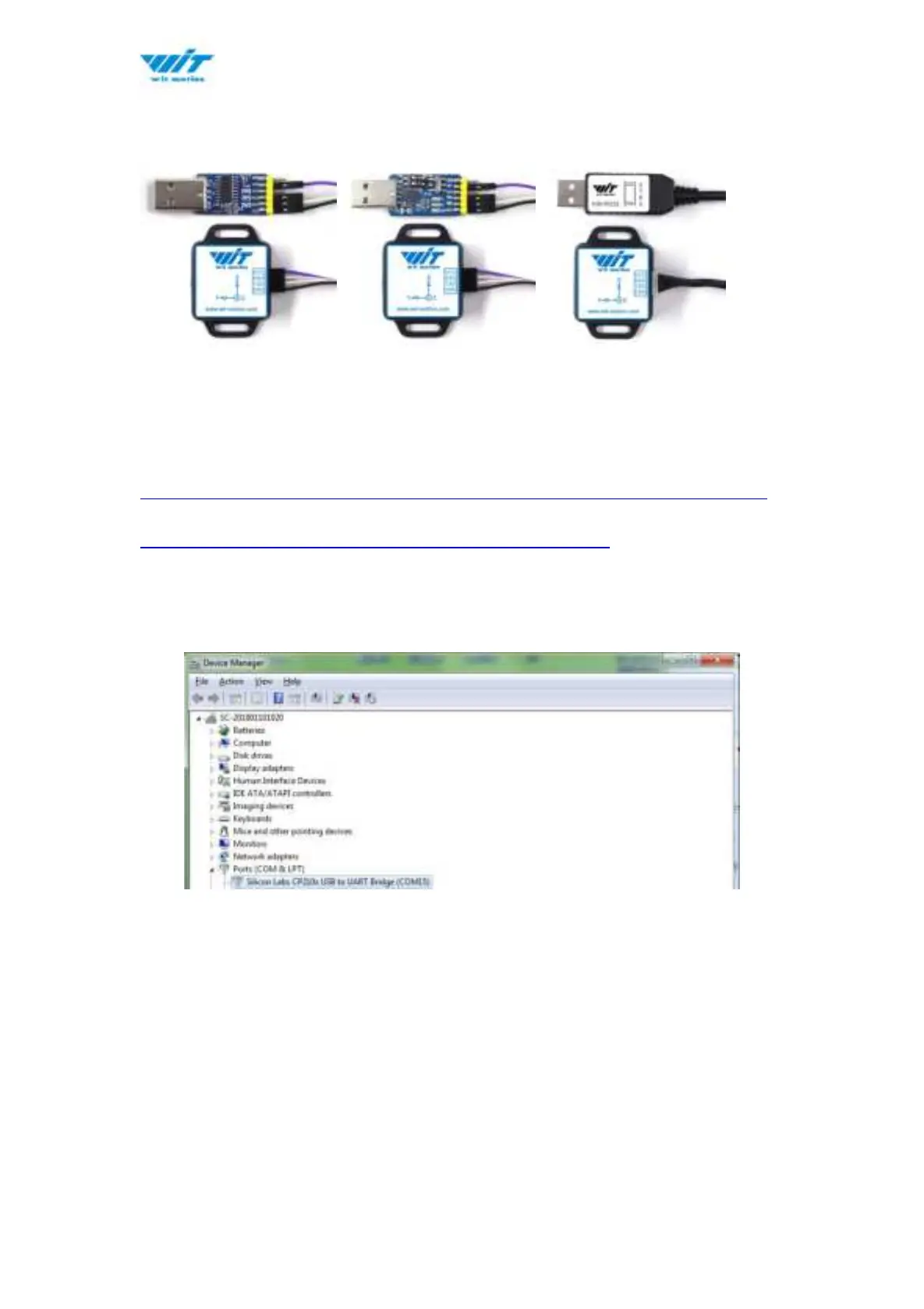
3-in-1 converter 6-in-1 converter RS232 serial cable
Step 2. Unzip the software and install the driver CH340 or CP2102
(Depending on which accessory for usage.)
Link to tutorial of 3-in-1 serial converter/ RS232 serial cable (CH340 driver)
Link to tutorial of 6-in-1 serial converter (CP2102 driver)
Step 3. Plugin the converter to computer and confirm the “com port” in device
manager
Step 4. Open the software(Minimu.exe)
Data will appear after auto-search finishes
Notice: If not successful, please operate manually
Choose the com port and baud rate 9600, data will be shown on the software.



 To Next Page