EN-33
Move ECG
v1.0 | August, 2019
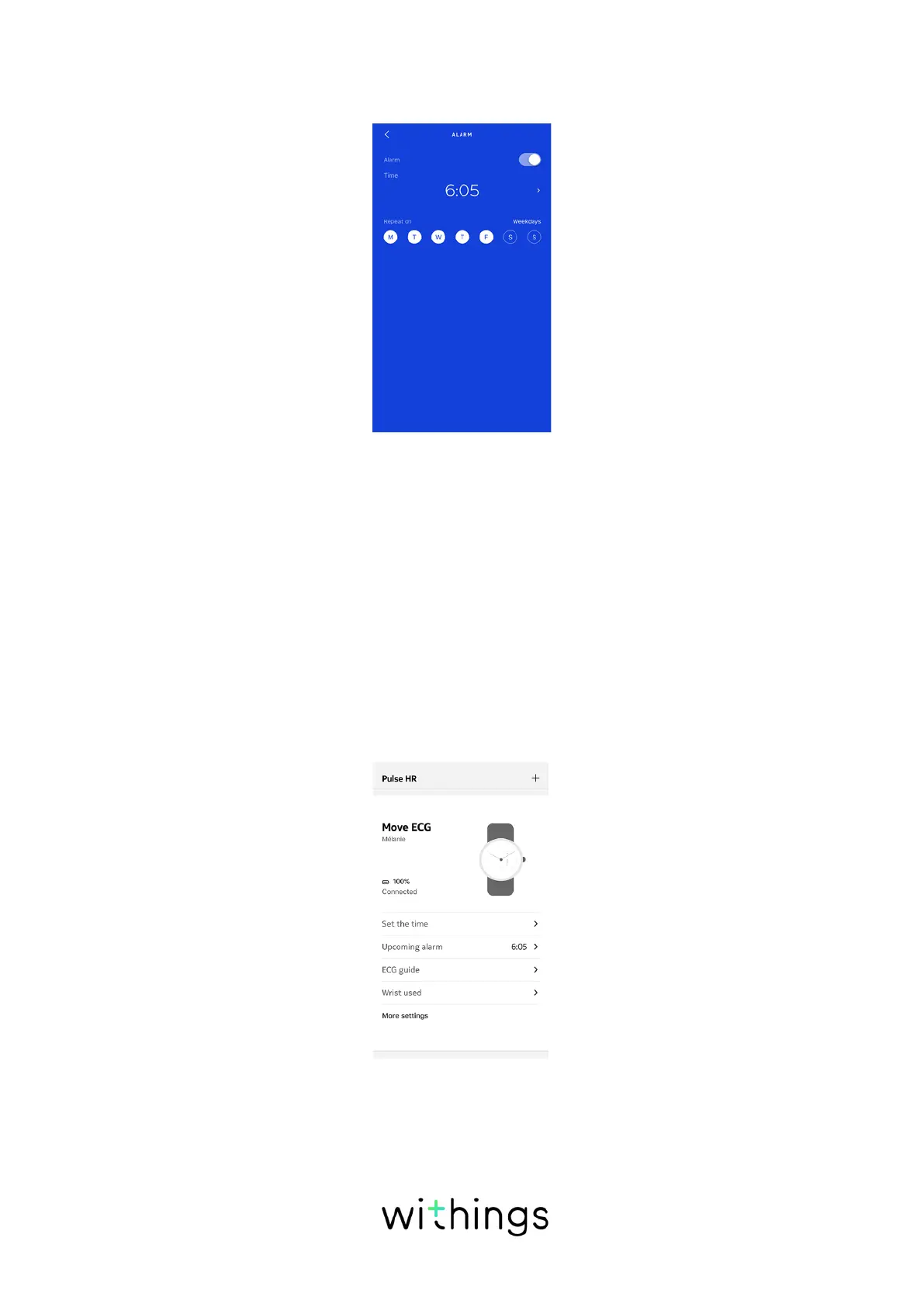
8. Tap Repeat on if you want to select on which days the alarm should be
triggered.
9. Tap the back button to confirm.
Notes:
• Press briefly the button of Move ECG two times to see the time of your next
alarm, directly on your watch
• You can set up to three alarms on Move ECG.
.
Disabling the alarm
1. Open the Health Mate app.
2. Go to Devices.
3. Tap Move ECG > Upcoming alarm.
4. Place Move ECG close enough to your mobile device.














 To Next Page