EN-35
Move ECG
v1.0 | August, 2019
Multi-sport / Connected GPS
How does the multi-sport feature work?
From yoga, volleyball, and rowing to boxing, skiing and ice hockey, the Move ECG
tracks up to 30 activities.
Press the button of your Move ECG for about one second until it vibrates to
launch your workout session. The watch will switch to a chronometer: the minute
hand of the Move ECG will show the seconds and the hour hand will show the
minutes.
You can choose to alternate between the chronometer and the real time by
pressing briefly the button two times.
After your workout, you will receive a notification prompting you to open the
Health Mate app. The activity detected that appear in the Health Mate app can be
edited from a long list of activities in your Health Mate app settings.
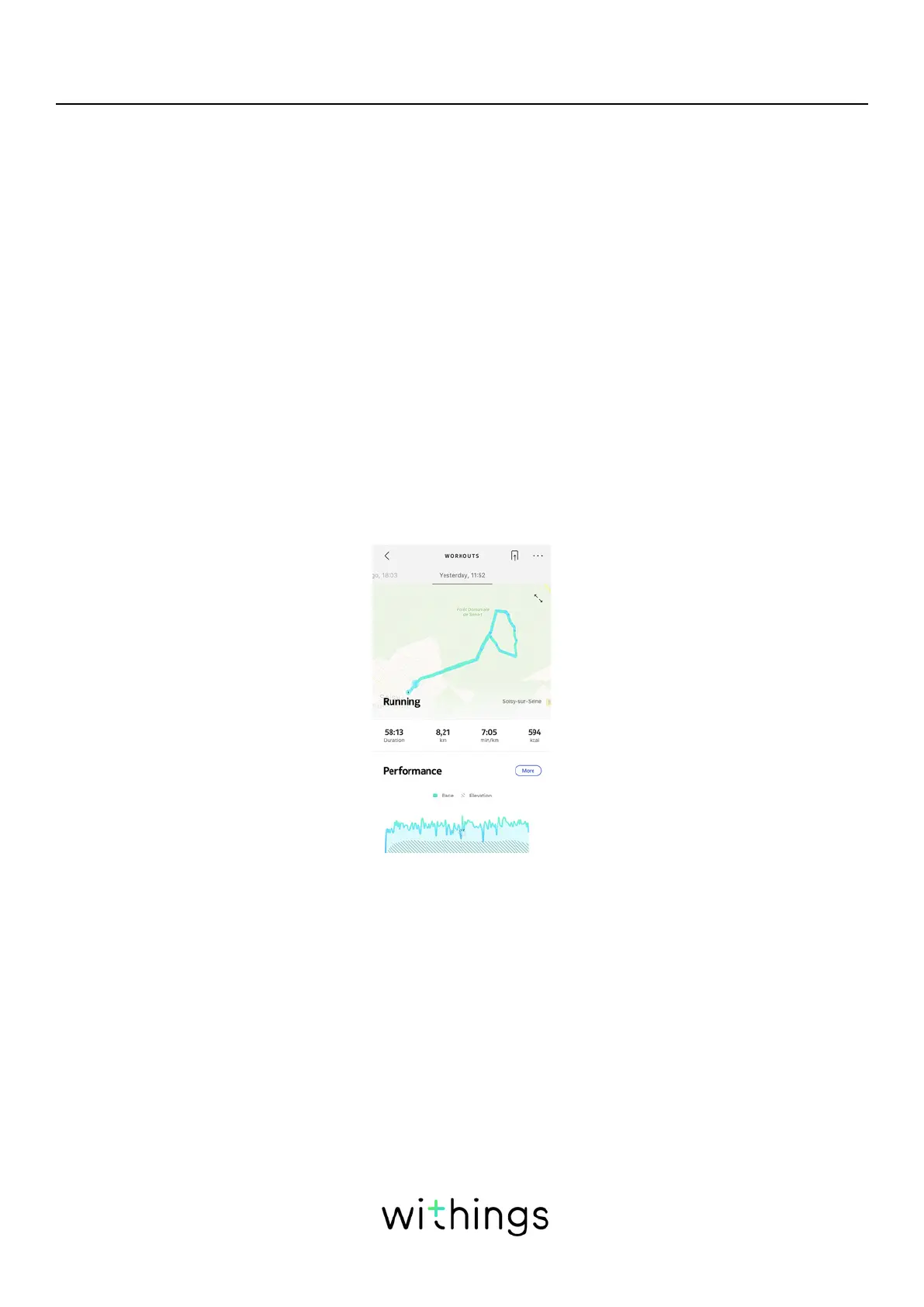
You will see a workout overview in the Health Mate app showing the workout
duration, the workout intensity, the distance, the pace, as well as your burned
calories.
Will the watch still recognize workouts automatically?
The Move ECG tracks walking, running, swimming and cycling automatically.
To receive more workout details like pace and route covered, we recommend
manually starting the workout mode.
Once you have selected a workout a few times, the Move ECG will learn its
movements and recognize it in the future.
If you forgot to launch a workout before your session, the Move ECG detects your
movements and add an unknown workout to the Health Mate app. You can then
change the type of workout in the app manually.














 To Next Page