27
User Manual WMF1100 S
Operation | Beverage dispensing
4.3 Beverage dispensing
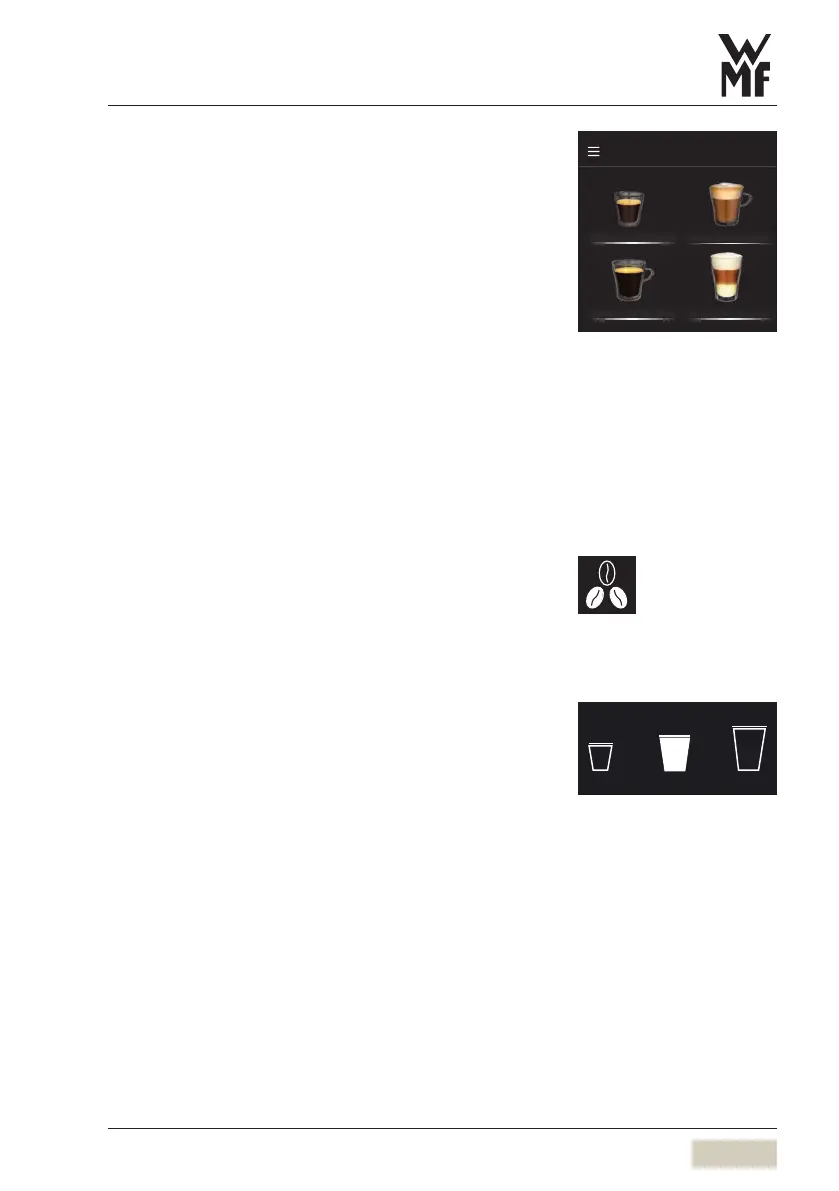
Touching the beverage buttons triggers dispensing of
the beverage selected.
• Illuminated botton = ready to dispense
• Unilluminated button/
red triangle in the
header bar
= not ready to dispense/
button disabled
Place acup of the appropriate size beneath
thespout
Touch the desired beverage button
Cancel beverage
Touch the desired beverage button again
4.4 Selection pads (optional)
Optional buttons are available, such as the Barista pad
shown here. These selection buttons appear on the
display after the beverage has been selected.
4.5 Special buttons (optional)
Special buttons are optional and are activated in the
settings if desired.
An example for aspecial button is the S-M-L pad.
These S-M-L cup volumes need to be set for beverages
in order for them to be available.
The cup volume “S” or “L” can then be selected
prior to selecting abeverage, and then only those
beverage buttons that have that size available will be
illuminated.
M = amount of the beverage set, no pre-selection
S = approx. 25 % less than M
L = approx. 25 % more than M
Espresso Cappuccino
Café Crème Latte Macchiato
Milk choc Milk coffee
DI_00_00_00_00
Button layout
w Operating options
page 54
Cancel beverage
w Operating options
page 55
Example:
Barista pad
S M L
Example:
S-M-L pad



 To Next Page