48
User Manual WMF1100 S
Software | Beverages
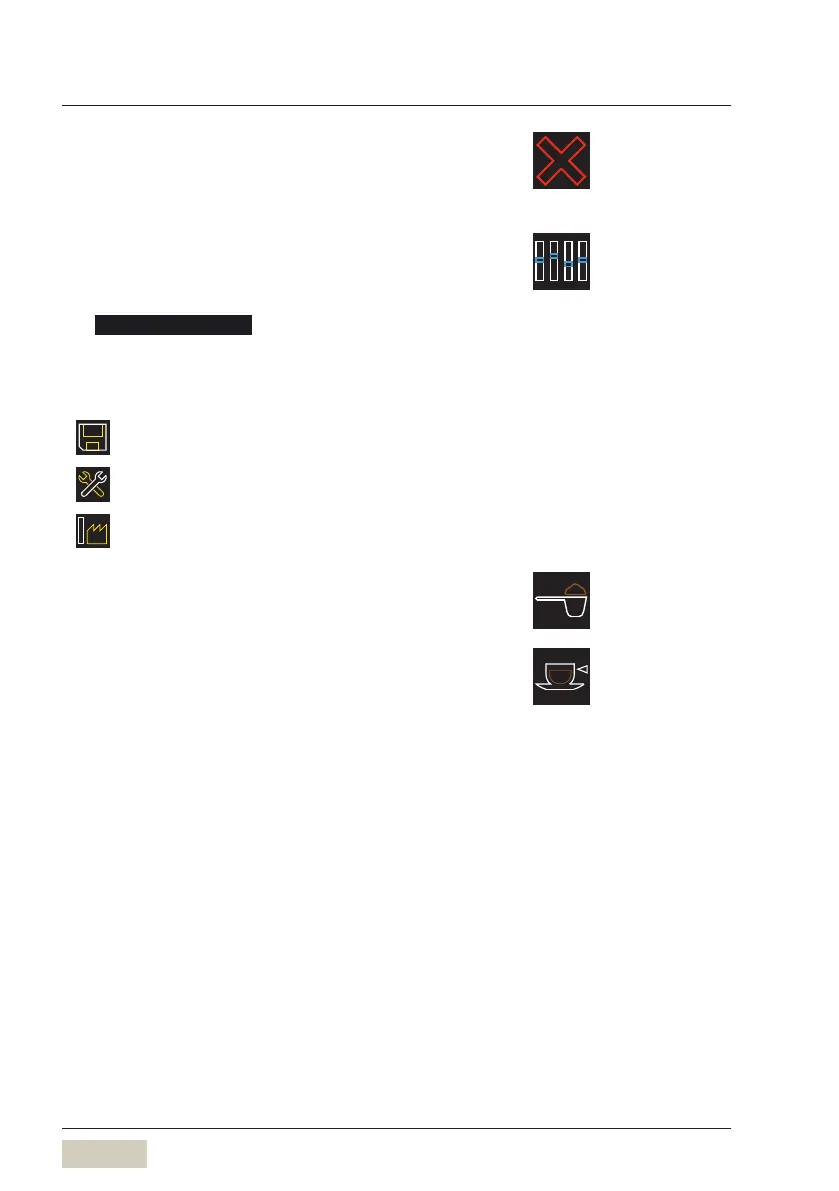
Delete addition
Delete amarked addition from the current recipe
composition.
Change addition
Mark the addition and touch the symbol
“Changeaddition”
The Change addition menu opens.
The various options for the selected addition are
displayed.
The saved and current data are displayed.
The current values
The values saved by Service
The factory values
Ground coffee quantity
Enter in grams (g)
Water quantity/milk quantity
Enter in millilitres (ml)



 To Next Page