WMF 5000S - OPERATING INFORMATION
VERSION. 2.2.14
SELF SERVICE
EMERGENCY ALERT
ATTENTION
TO RESOLVE DO THE FOLLOWING:
REMOVAL OF GROUTS
IMPORTANT PROCESS
REMOVING GROUTS CONTAINER SPOUT LOWERED BACK
TO READY POSITION
1. INSTRUCTIONS DISPLAYED ON SCREEN
OR.
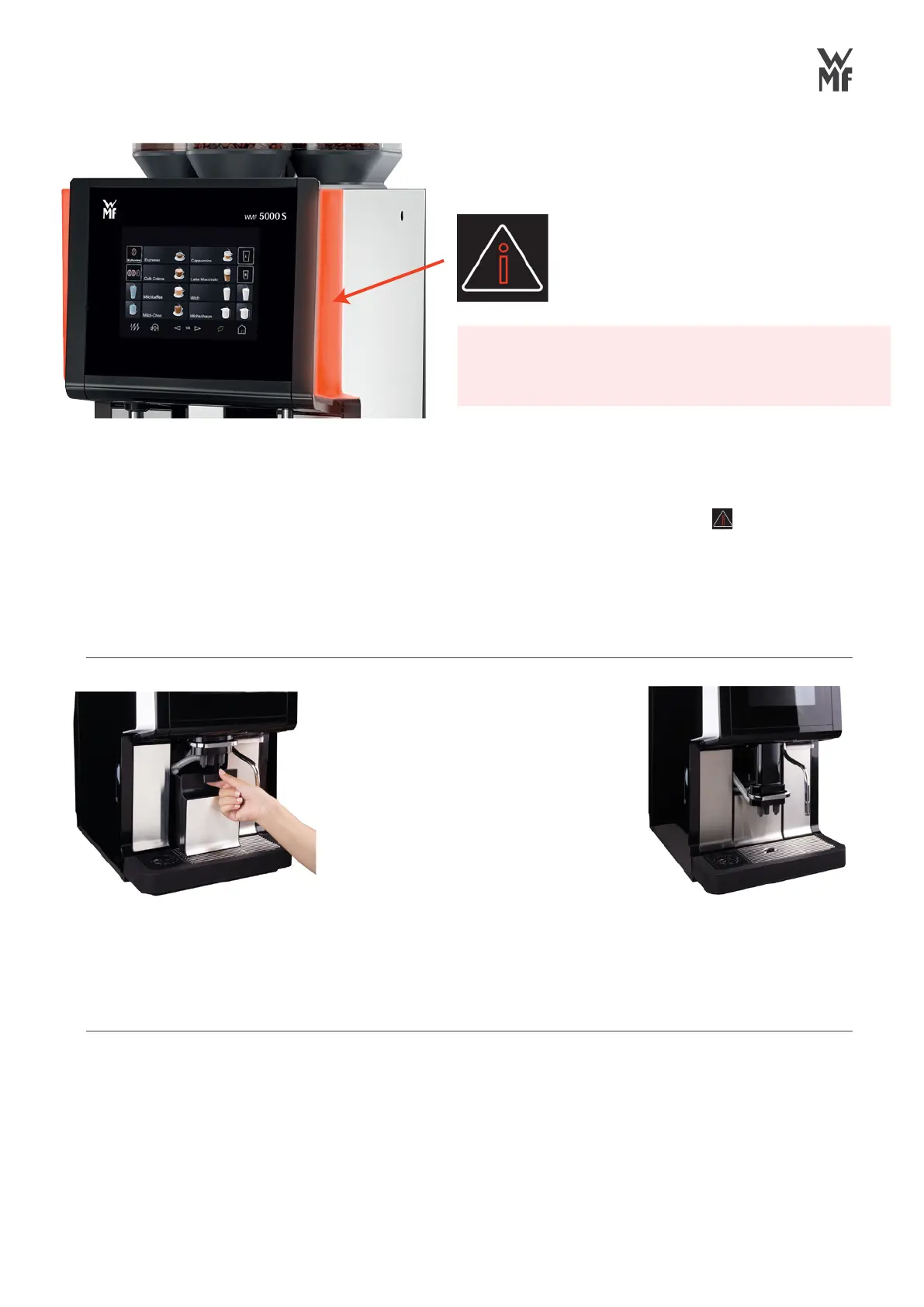
IF RED LIGHTS ARE FLASHING
PLEASE ATTEND MACHINE.
Follow instructions displayed on coffee
machines screen to clear the message
1. Lift the dispense spout (foamer)
to its highest position
2. Remove and empty the grouts
container, wiping down the inside
3. Carefully replace the grouts
container back into the machine
4. Confirm on the display that
container has been emptied
5. Lower the dispense spout
(foamer) to the cup position
2. DRINKS DISPLAYED ON SCREEN
If the lights are flashing red and the
Symbol is displayed in the top right part of
the screen, above the drinks, then press this
symbol, and follow instructions displayed on
coffee machines screen to clear the message.



 To Next Page