Switching the Supplementary Light on and off with the Wöhler VIS 500
14
5 Switching the Supplementary Light on and off with the
Wöhler VIS 500
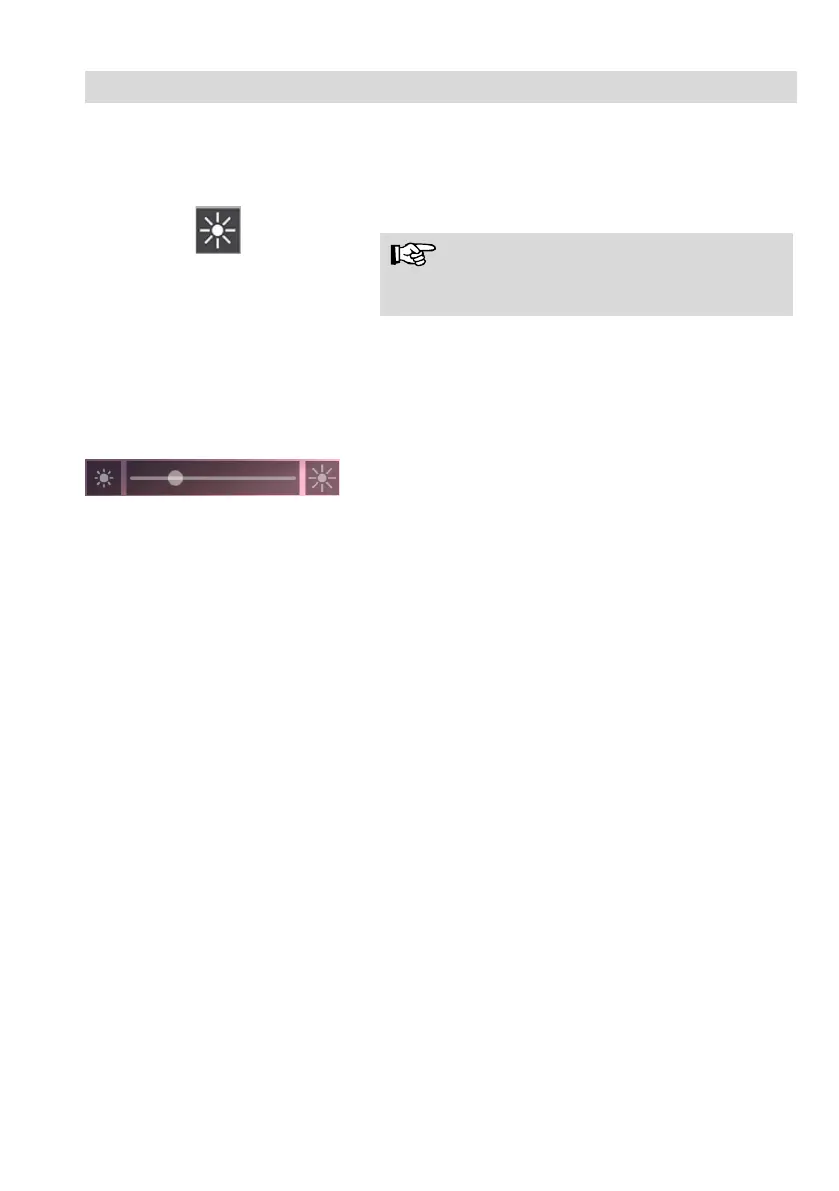
Fig. 7: Brightness menu icon
• Go to the Brightness menu icon.
HINWEIS!
Das Helligkeits-Menü ist nur aktiv, wenn der Ka-
merakopf Ø 40 mm angeschlossen ist.
In the Brightness menu it is possible to regu-
late the light intensity of the camera head
LEDs. In the lowest level, the LEDs are com-
pletely switched off.
. 8: Brightness bar
A sliding bar appears at the bottom of the
display.
Decrease or increase the brightness of
the LEDs with the right/left arrows.
At the highest level, tap the right arrow
once more to switch on the additional
lighting and the left arrow to switch it
off again.



 To Next Page