Users cable typically require alignment indoors if outdoor lightning traces measures
should.
Equipment Installation
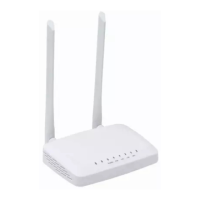
ONU product is a fixed configuration cassette equipment, site equipment installation is
relatively simple. Simply install the device on a specified place, connecting the upstream fiber
subscriber line connections, connect the power cable. Actual operation is as follows:
1. Installed on the desktop
Place the machine on a clean bench, this installation is relatively simple, you can observe the
following operation:
Ensure the smooth workbench.
Around the device enough space for heat dissipation.
Do not place objects on the device.
2. Mounted on the wall
Observation ONU equipment chassis two cruciform recess, in accordance with the
position of the groove, installed two screws in the wall.
The original selected two mounting screws gently snap into recesses aligned.
Slowly let go, so that the device under the support of the screw hanging on the wall.
2.2 Panel Lights
The device is powered up.
The device is powered down.
Device does not receive optical signals.
Device has received optical signal.
The device is registered to the PON system.
Device is not registered to the PON system.
Device registration is incorrect.
Port is connected properly (LINK).
Port connection exception or not connected.
Port is sending or/and receiving data (ACT).
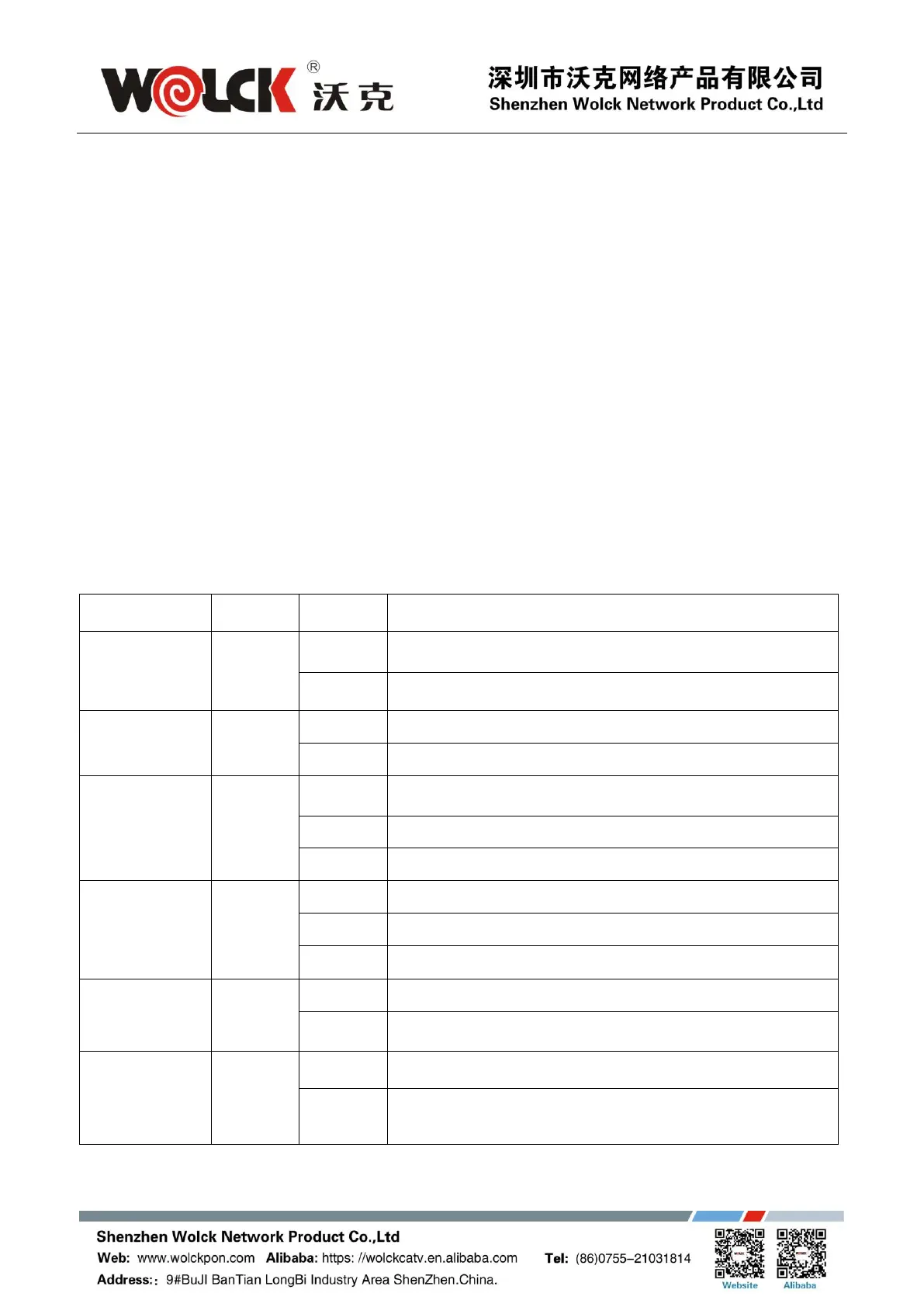
Table 3 Panel Lights



 To Next Page