8
• Playback Mode
Function Overview
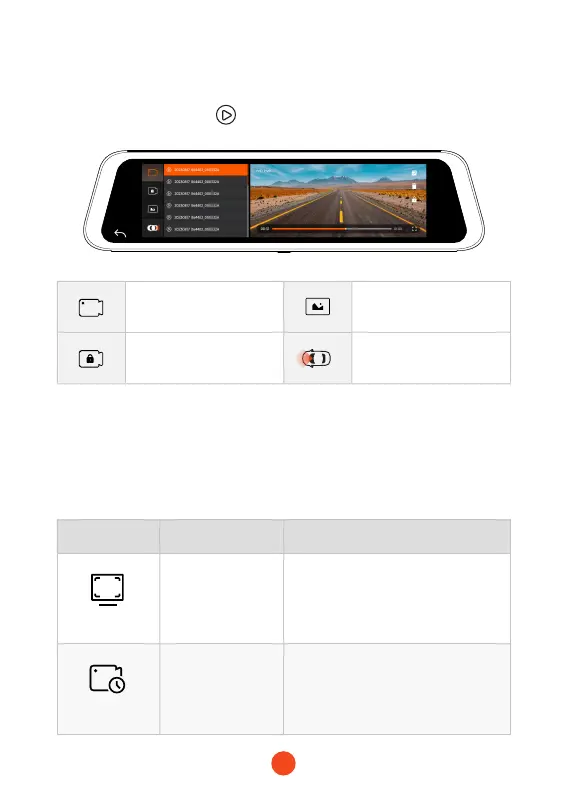
When you power on the dash cam, it will start recording auto-
matically. Click/select to enter playback mode.
Click the setting icon to enter the function menu, where you can
adjust various functions and parameters of the entire machine.
Normal Recording Photo
Urgent Album
Switch Front or Rear
Cameras
Function Option Description
Resolution
2.5K+1080P
/1080P+1080P
Video resolution selection.
Movie Clip Time
1min/2min/3min Adjust the loop recording duration.



 To Next Page