9
Function Option Description
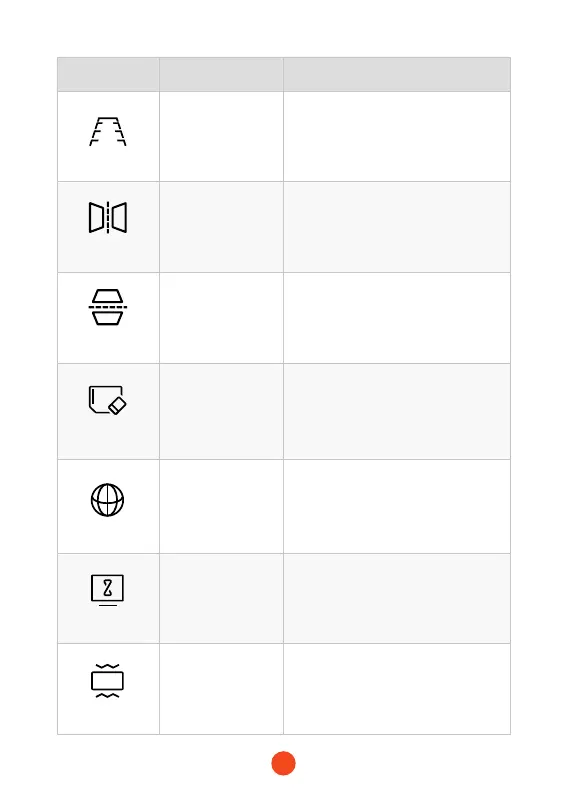
Reversing Line
/
Adjust reverse line length, width and
angle.
Mirror Flip
ON/OFF
The rear camera view is ipped
horizontally.
Rear Cam Flip
ON/OFF
The rear camera view is ipped
vertically.
Format SD Card
OK/Cancel
The SD card needs to be formatted
for the rst use. After using it for a
long time, you need to format the SD
card to clean it up.
Language
English/Français/
Deutsch/
Italiano/Español/
Português/......
Select your preferred language.
Screen Saver
OFF/1min/
2min/3min
If you do not touch the screen for
the set time, the screen will turn
off, but the device will still continue
recording.
G-Sensor
OFF/High/
Middle/Low
After a collision/impact is detected,
the device locks the recorded video.



 To Next Page