10
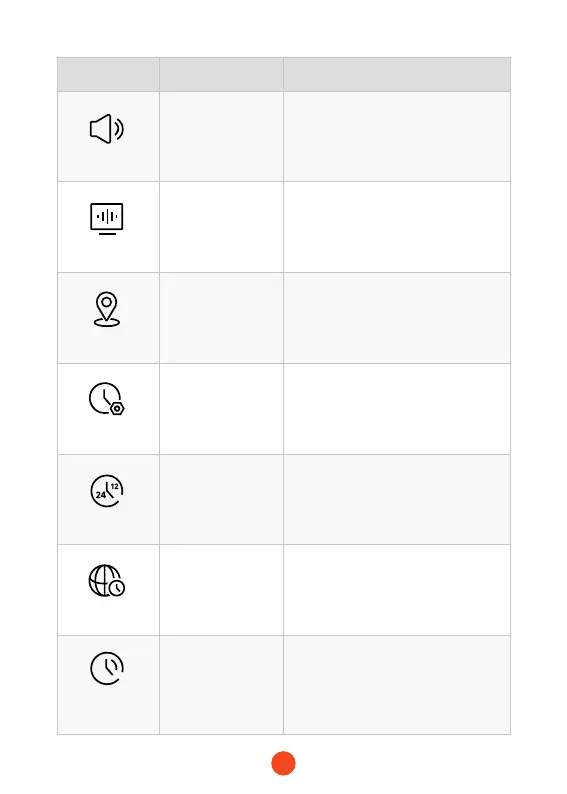
Function Option Description
Volume Setting
OFF/High/
Middle/Low
Adjust volume.
Flicker
50Hz/60Hz
Select screen icker frequency
according to national regulations.
GPS Information
/
Display latitude and longitude, GPS
signal strength and other information.
Clock Setting
Y/M/D/H/m/s
Time setting for year, month, day,
hour, minute, and second.
Time Style
12H Time Style
/24H Time Style
Choice of 12-hour or 24-hour format.
Time Zone
/
Select the corresponding time zone
according to different countries or
regions.
Daylight Saving
Time
ON/OFF
When daylight saving time is turned
on, the time is advanced by 1 hour.



 To Next Page