26
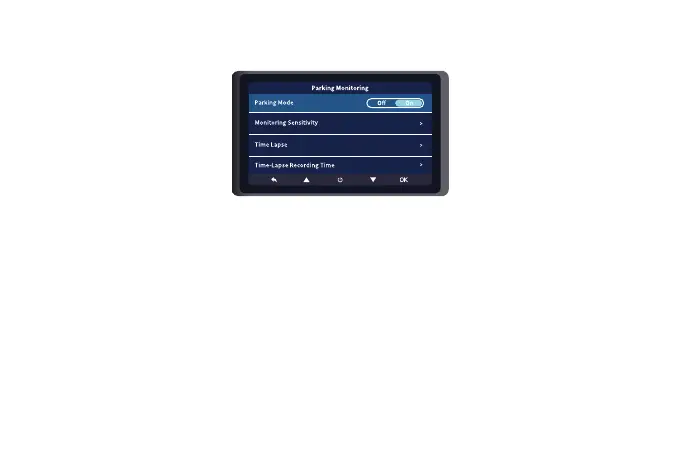
Parking Monitoring
(
Available after installing the hardwire kit
)
There are two parking Monitoring mode.
Mode 1: Collision boot recording
There are two ways to open this mode.
(
note
:
Do not turn on “Time Lapse”.
)
Way-1: Turn on “Parking Mode” and set “G-Sensor” among Low, Medium or High.
Way-2: Turn on “Parking Mode” and set the “Monitoring Sensitivity” among Low, Medium or
High. After the car engine is off, the camera will turn off automatically, and prompt "Enter parking
monitoring mode!" on the screen. The camera will turn on and start recording automatically
when there’s collision or vibration detected and the video file will be locked.



 To Next Page