17
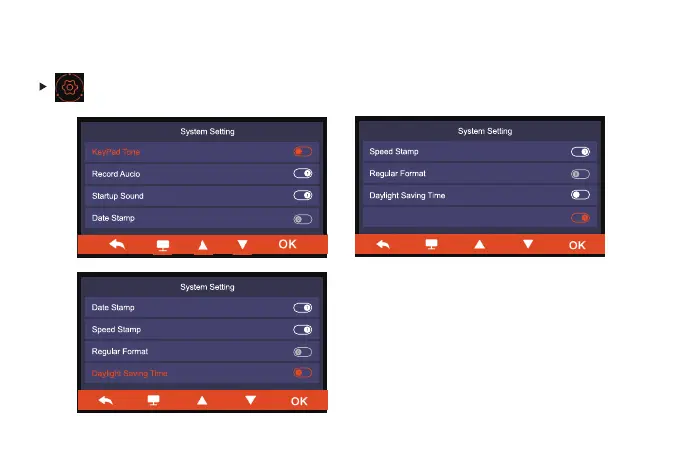
System setting
Find more personalized setting.
NOTE: The ''Inside Image Switch''
function must be turned on to use the
internal camera normally. [It is turned
on by default after receiving it. If you
don't want to use it, you can choose to
turn it off]
Inside Image Switch



 To Next Page