19
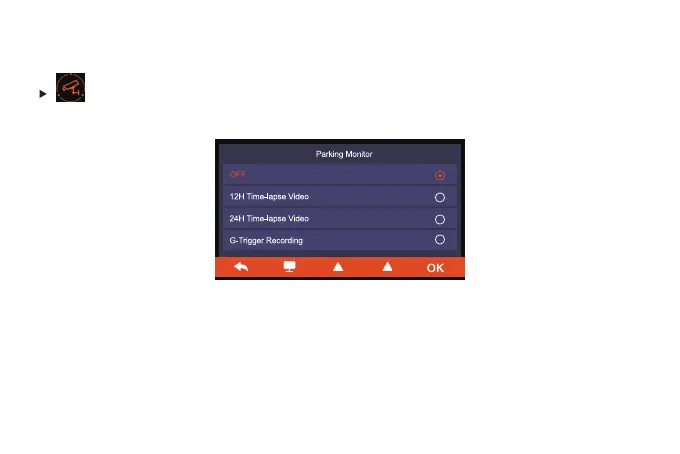
Parking Monitor
Mode 1: Time-Lapse Video: 12H/24H
Turn on “12H Time-lapse Video” or “24H Time-lapse Video”, After the car engine is off, the
camera will turn off automatically, and prompt "Disconnect ACC, time-lapse Video begins" on
the screen. Dash cam It will record the video in the parking state at a frame rate of 1fps until the
set time or the car voltage is lower than 11.8V.
Avaliable when the hardwire kit is connected. Hardwire kit for parking mode is not
included in the package and need to be purchased separately.



 To Next Page