20
Rear Image Setting
Flip the camera vertically or horizontally.
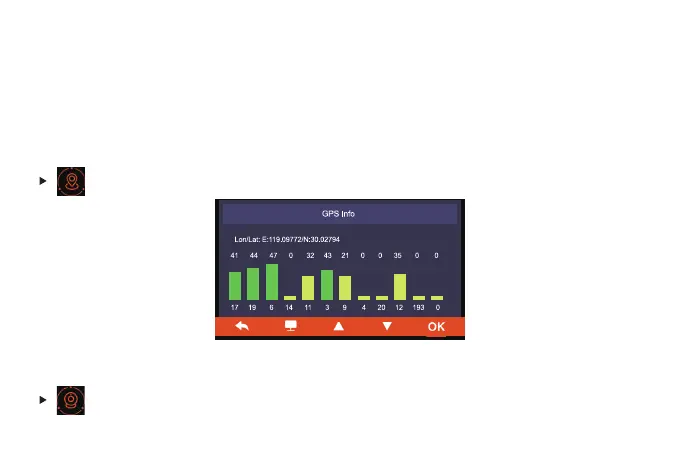
GPS Info
You can check the Location and Signal Strength here.
Mode 2: G-Trigger Recording
Turn on “G-Trigger Recording” . After the car engine is off, the camera will turn off automatically,
and prompt " Disconnect ACC, trigger recording begins " on the screen. The camera will turn
on and start recording automatically when there’s collision or vibration detected and the video
file will be locked.



 To Next Page