27
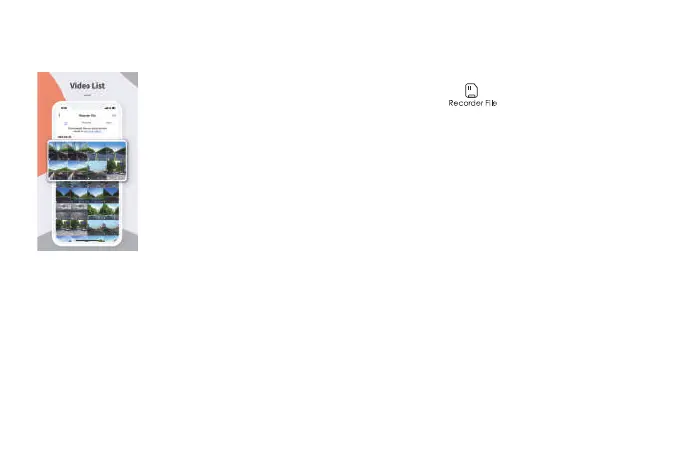
Check/Play data on APP
You can check and play the video by pressing “ ” on the recording
screen to enter the data file list.
On the data file screen, you can select a file to play, download, take a screenshot of, or delete.
Once downloaded, you can easily share it on social media platforms like Facebook, WeChat,
Line, and others. Additionally, you can select a local album to play the downloaded data and
view it in conjunction with Google Maps. Please note that an internet connection is required for
this feature.



 To Next Page