Page 3
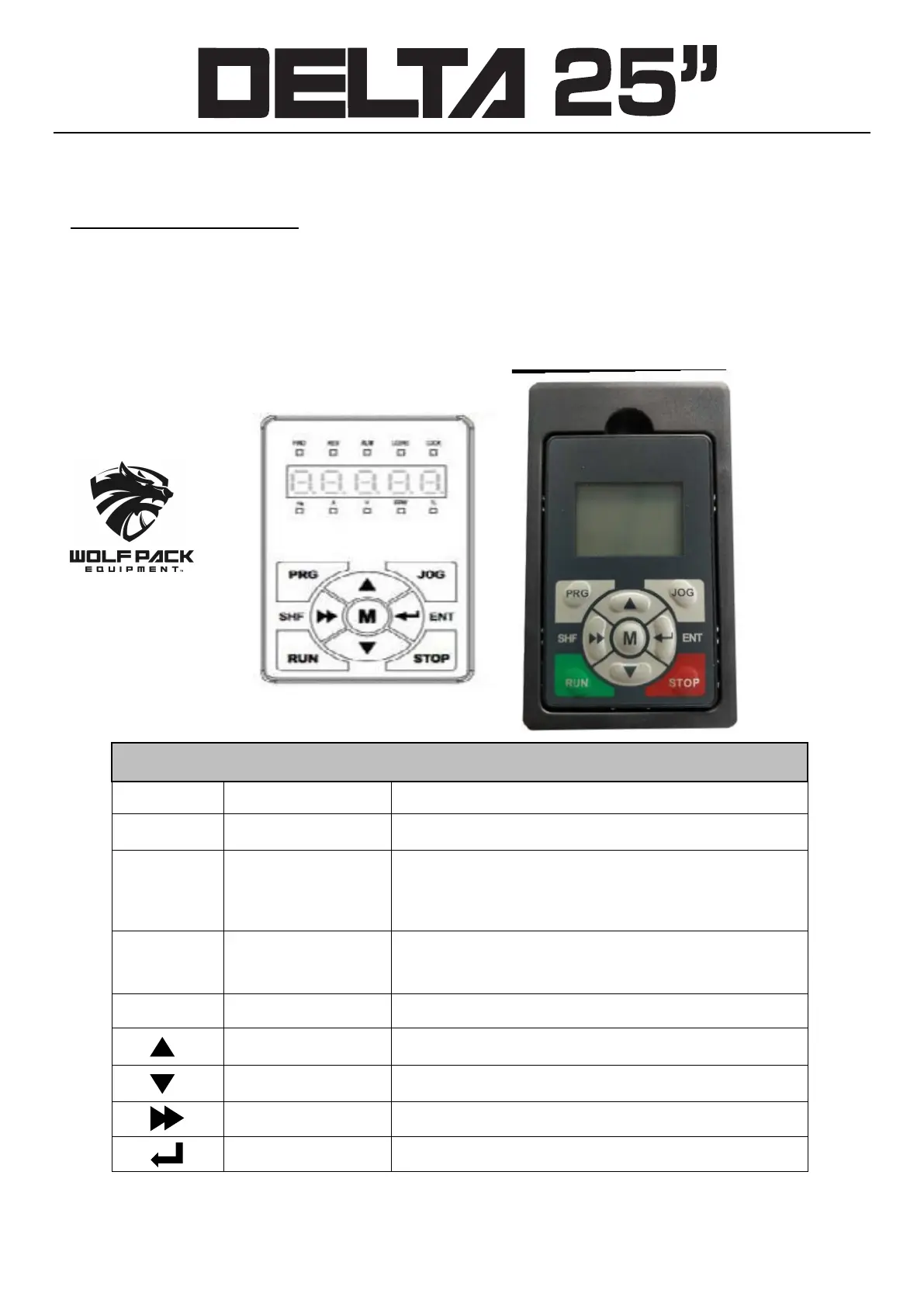
The standard HD30 Inverter is installed with LED display panel, as shown in Figure below
HD30 series vector control Inverter
Display Pane
l keys and detailed function
s shown below
Key Name Function
PRG Program/Exit key Entry or exit programming key
JOG Jog key In the mode of display panel control, jog start the Inverter
RUN Run key In the mode of display panel control, press this key to run
the Inverter
STOP Stop/Reset key In the mode of display panel control, to stop the Inverter
and reset fault
M Multi-Function key Set certain function by F00.12
Increase key Increase value or parameter
Decrease key Decrease value or parameter
SHF shift key Selecting display parameter and shift
E
NT enter/Confirm key Enter lower menu or confirm saving the data
Inverter Programming
www.wolfpackequipment.com (419) 302-0033



 To Next Page