4
4. Press the POWER button to turn on MovieMaker Pro
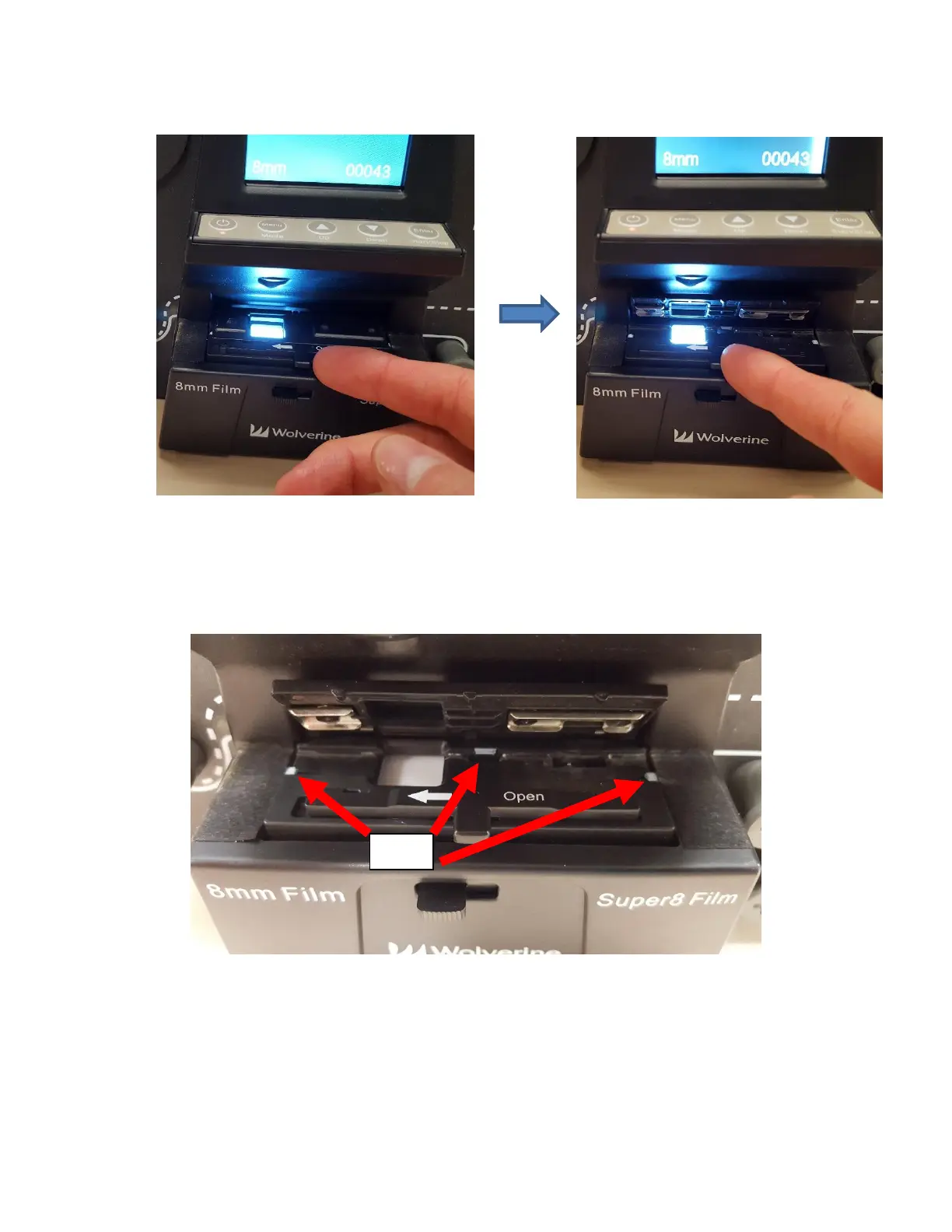
5. Press the tab on the film door to the left to flip open the film door.
6. Thread the end of the film under the three silver tabs of film tray (one on left side of
film tray, one on the right side, and one in the middle). Make sure the film is properly
underneath all three tabs or the recorded videos will be jittery.



 To Next Page