8
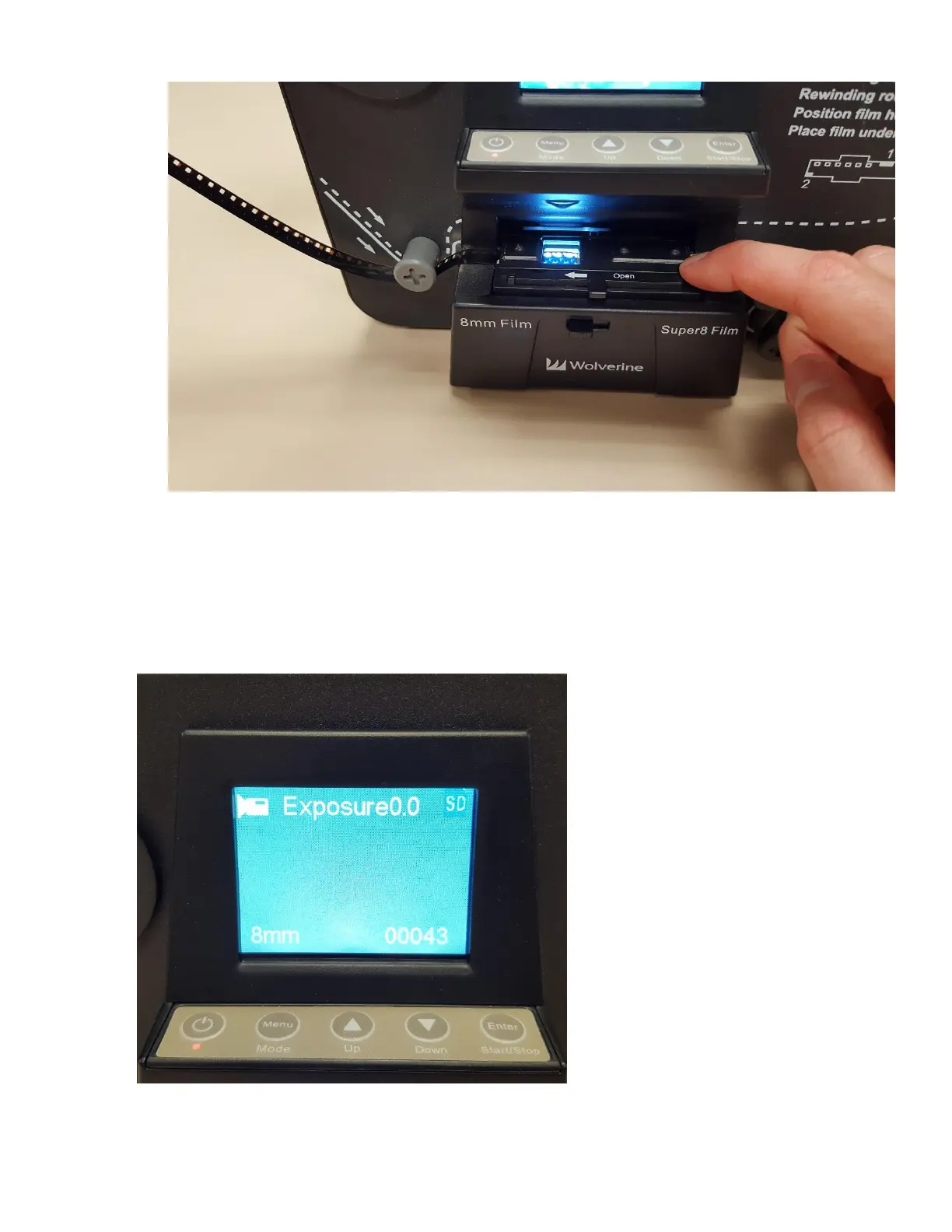
9. Close film tray down to secure film into place.
10. The first frame should show on the display screen. Alternately, you can connect the
Movie Maker Pro to the television set by connecting the black cable in the back to the
VIDEO OUT port on the MovieMaker Pro. Turn on the TV with the Panasonic remote and
change input to VIDEO 2. The unit display will go black and the image will appear on the
TV screen.



 To Next Page