Access codes
There are access codes for your SIM card. These codes help you to protect the phone against unauthorised use.
When requested for any of the code explained below, key-in the appropriate code (displayed as asterisks) and press the OK key.
! PIN
The Personal Identification Number or PIN (4-8digits) protects your SIM card against unauthorised use. The PIN comes with the
SIM card; see the SIM card instruction provided with your card.
If you enter an incorrect PIN three times in succession, the code will be disabled and cannot be used until you re-enable it by
entering the PUK.
! PUK
The 8-digit PUK (Personal Unblocking Key) is required to change a disabled PIN. The PUK may be supplied with the SIM card. If
not, or in case you have lost it, please contact your service provider.
To re-enable your PIN, proceed as follows.
1. Key-in the PUK and press the OK key.
2. Enter a new PIN of your choice and press the OK key.
3. When the Confirm New PIN message is displayed, key-in the same code again and press the OK key.
If you enter an incorrect PUK ten times in succession, the SIM card becomes invalid. Please contact your service provider for a
new card.
Insert memory card
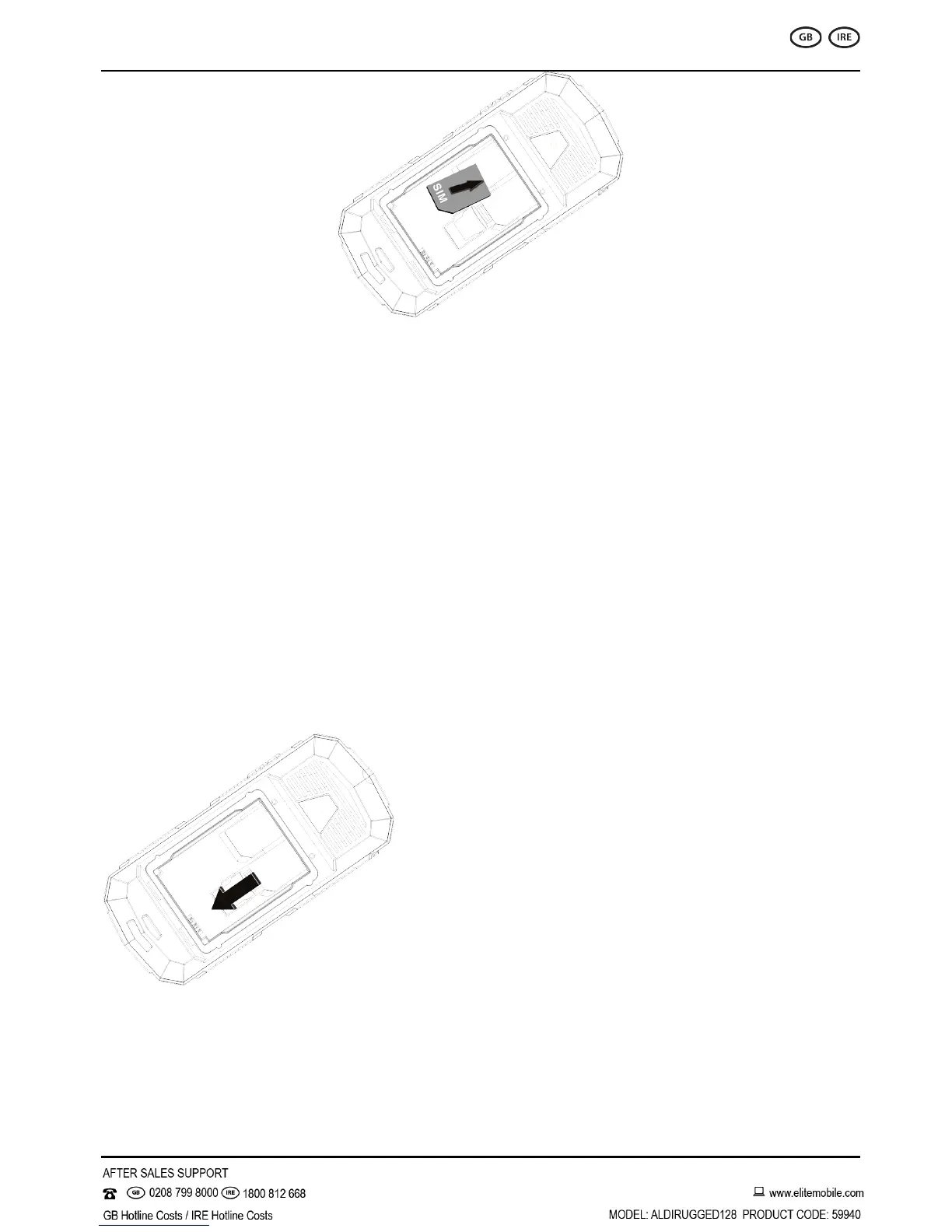
Insert memory card. Take compatible T-Flash card, and place it into its slot (shown below).
Earphone
Connect the earphone connector on the cable into its designated port on the device (left side).
Standby mode
In the main display, you may see several icons displayed on your status bar.
The meaning for each icon is explained below:


 To Next Page