Enter text
ABC, Zi, Number, and Symbol modes
You can enter text in some features such as Messages, Phonebook, or Calendar, using ABC mode, Zi mode, Number mode, and
Symbol mode.
You can enter text by pressing the alphanumeric keys on the phone.
Text Input Options:
While you are in text editing mode, you will be in several modes.
When you see [Option] and [Clear] in the soft key, press the soft key (left) for option: you can save the entry or change the Text
Input Method. To erase a character, press the soft key (right) next to the character you want to erase.
You can define the default Input Method of your phone and change input methods.
To define your preferred input method, go to Phone Setup sub menu in Settings menu. Then select Preferred Input Method.
Once you set the preferred input method, next time you edit in text input mode, the setting will be applied until you change to
another.
If you want to change the text input method temporarily, in the text input mode, press [Option] soft key, and select “Input Method”
from the option.
• The input methods will swap when you press the [#].
• Press the [*] key to select Symbols.
• Press [0] to insert a space.
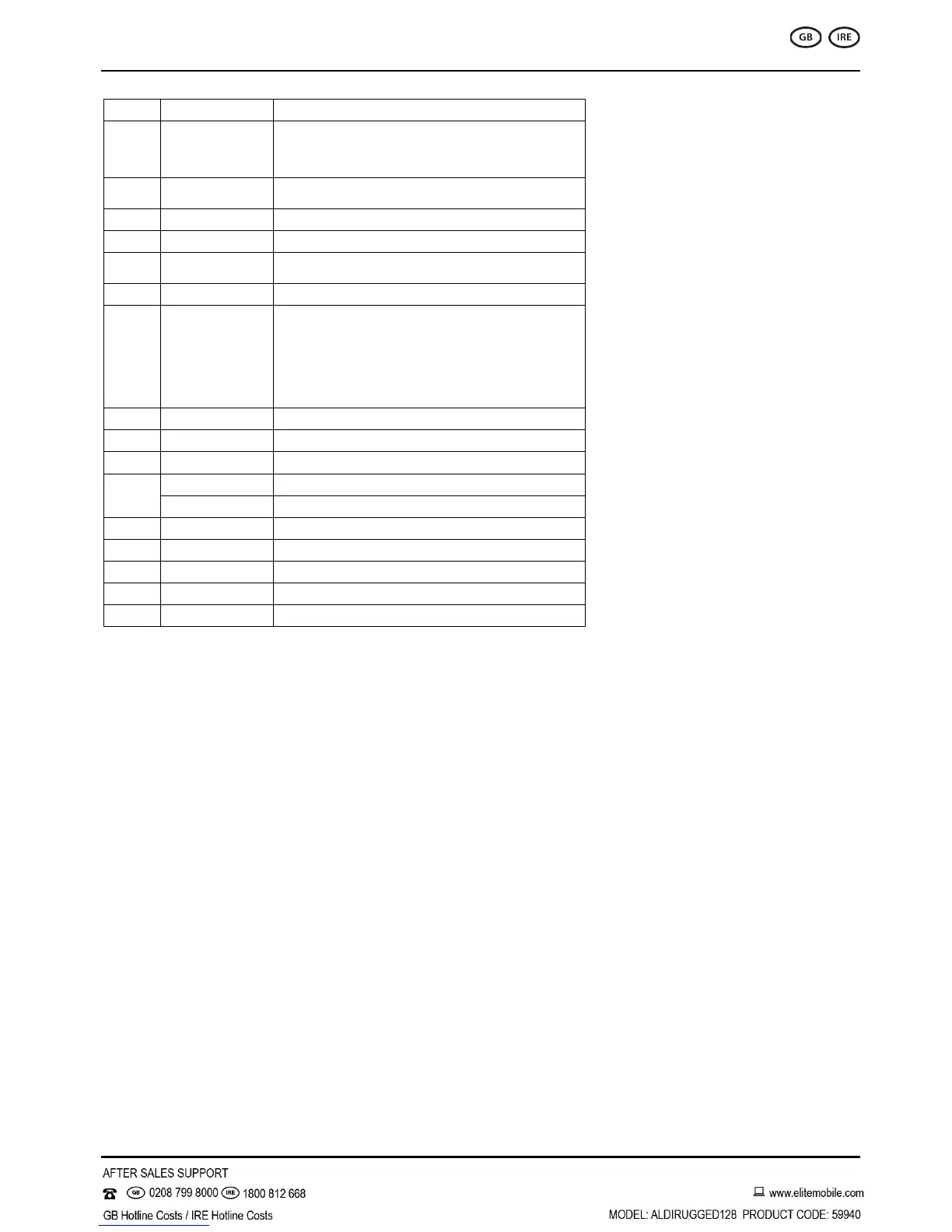
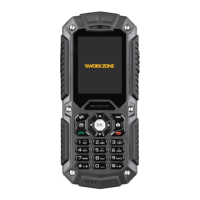
Press to perform the function displayed in the
lower left corner of the screen
Long press to activate the flashlight
In the standby mode, quick access to
(Up key) Music Player
(Left key) User profiles
(Right key) Add new contact
(Down key) Alarm
Move the cursor to select the menu you want


 To Next Page