4
Making a sale
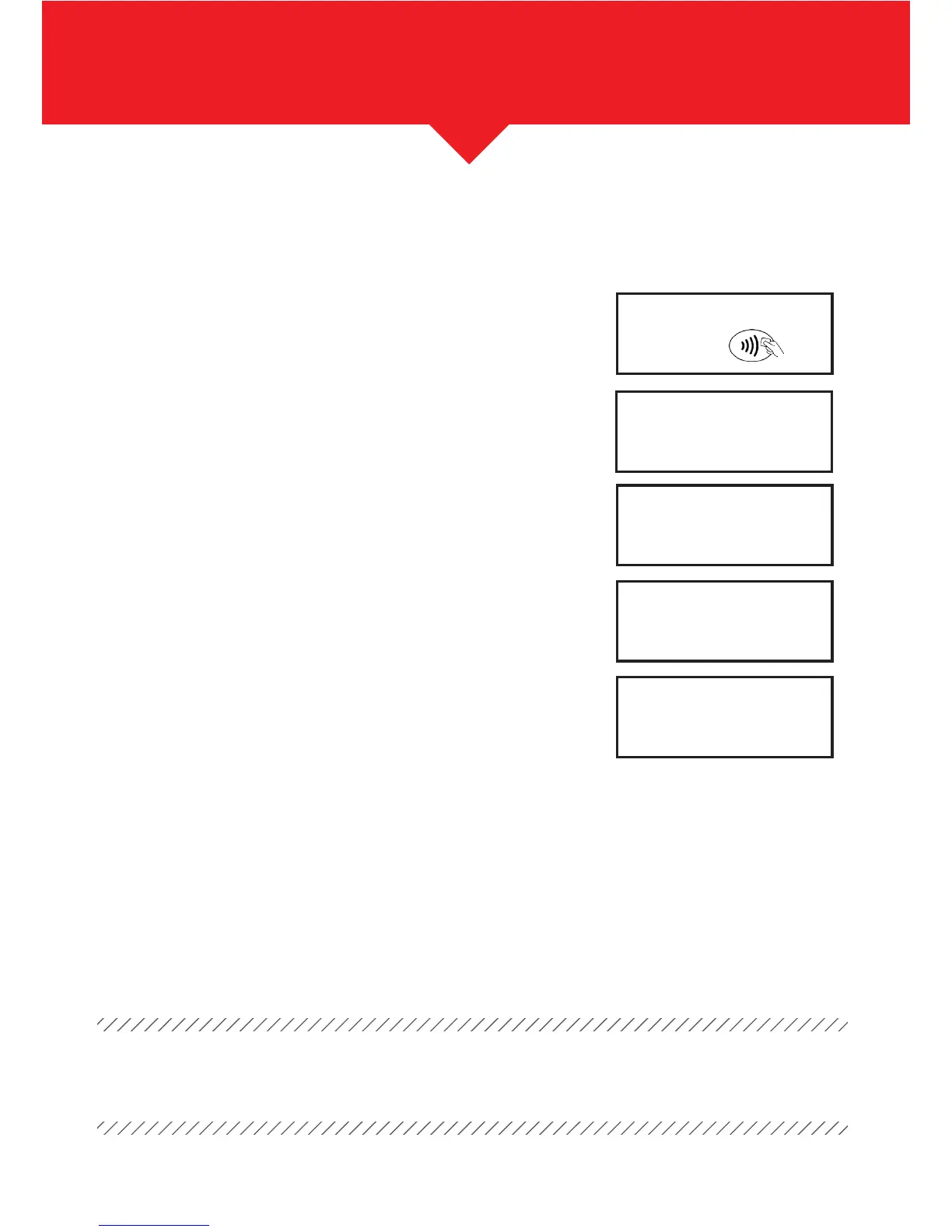
The terminal will ask for the card to be inserted.
If your terminal is set up to accept contactless
transactions, the symbol will show on the display.
Hand the terminal to the cardholder – they should
insert their card into the reader and enter their PIN
(or tap for *contactless).
The terminal will now connect for authorisation.
If approved, the cardholder receipt will be printed.
Tear off the receipt and press the green ENTER buon.
If it’s a chip and PIN transaction, you will be prompted
to remove the card and return it to cardholder.
Your merchant receipt will then print – please make
sure you keep this.
From the “READY” prompt, enter the amount
and press the green ENTER buon.
Press the green ENTER buon – the terminal will return
to the READY display and the transaction is complete.
*See – Additional Functionality – Contactless
Important: Aer both the cardholder and merchant receipts are printed, if for any reason
you need another copy you can press the MENU buon.
Amount
PIN ****
Cardholder to key PIN
Enter=OK
Clear=REKEY
55.50
Tear Off
CUSTOMER RECEIPT
Press ENTER if OK
Press MENU to Reprint
Tear Off
CUSTOMER RECEIPT
Press ENTER if OK
Press MENU to Reprint
SALE
Please Remove Card
Present, insert
or swipe card
£9.50


 To Next Page