5
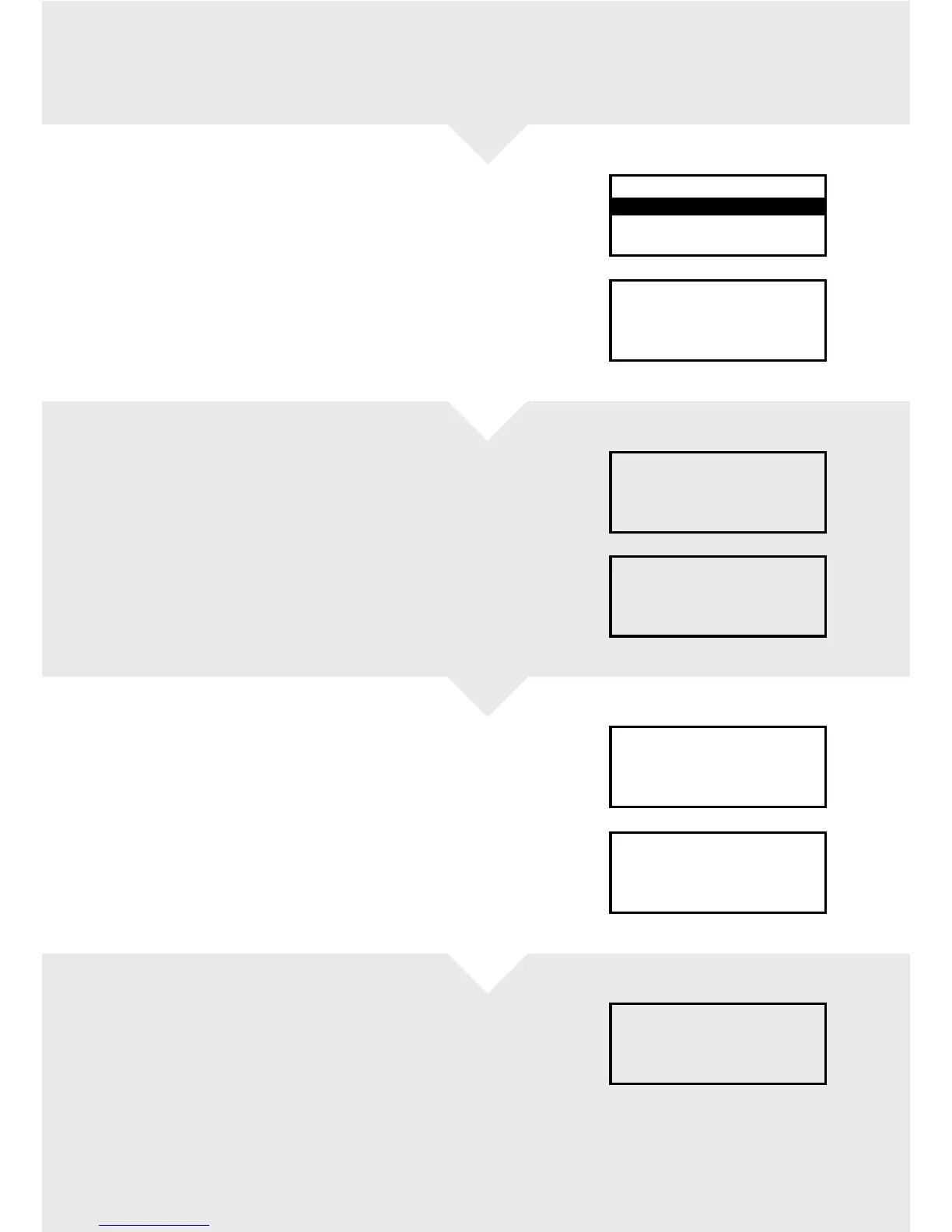
At the “READY” display, press the red MENU
buon. This will list several options. Choose
REFUND and press the green ENTER buon.
Key in the refund amount and
press the green ENTER buon.
Insert the card.
The terminal will then prompt you to enter your
four-digit Supervisor Code, followed by the green
ENTER buon.
The terminal will now connect for authorisation.
If authorisation is given, your merchant receipt will
be printed off – make sure you retain this copy.
Tear off the receipt and press the green ENTER
buon. If it’s a chip and PIN transaction, you will be
prompted to remove the card and return it to cardholder
The Merchant receipt should be signed by
yourself and the cardholder. If the signature is
OK press the green ENTER buon.
The cardholder receipt will then
print off.
Press the green ENTER buon – the terminal
will return to the READY display, the
transaction is now complete.
REFUND
Insert or swipe card
to continue
(or press Cancel key)
Tear Off
MERCHANT RECEIPT
Press ENTER if OK
Press MENU to Reprint
Tear Off
CUSTOMER RECEIPT
Press ENTER if OK
Press MENU to Reprint
REFUND
Please Remove Card
REFUND
Signature ok?
Enter=YES Clear=NO
REFUND
Key in amount
(or press Cancel key)
0.00
TRANSACTION MENU
Refund
Sale
Purch. with Cashback
Taking a refund


 To Next Page