6
Reconciling your terminal
Tear off
TOTALS RECEIPT
Press ENTER if OK
Press MENU to Reprint
EFT
End-of-Day Banking?
Enter=Yes
Clear=No
TOTALS MENU
End-of-Day Banking
Z-Totals
X-Totals
SYSTEM MENU
Totals
Print Function Codes
Select Function
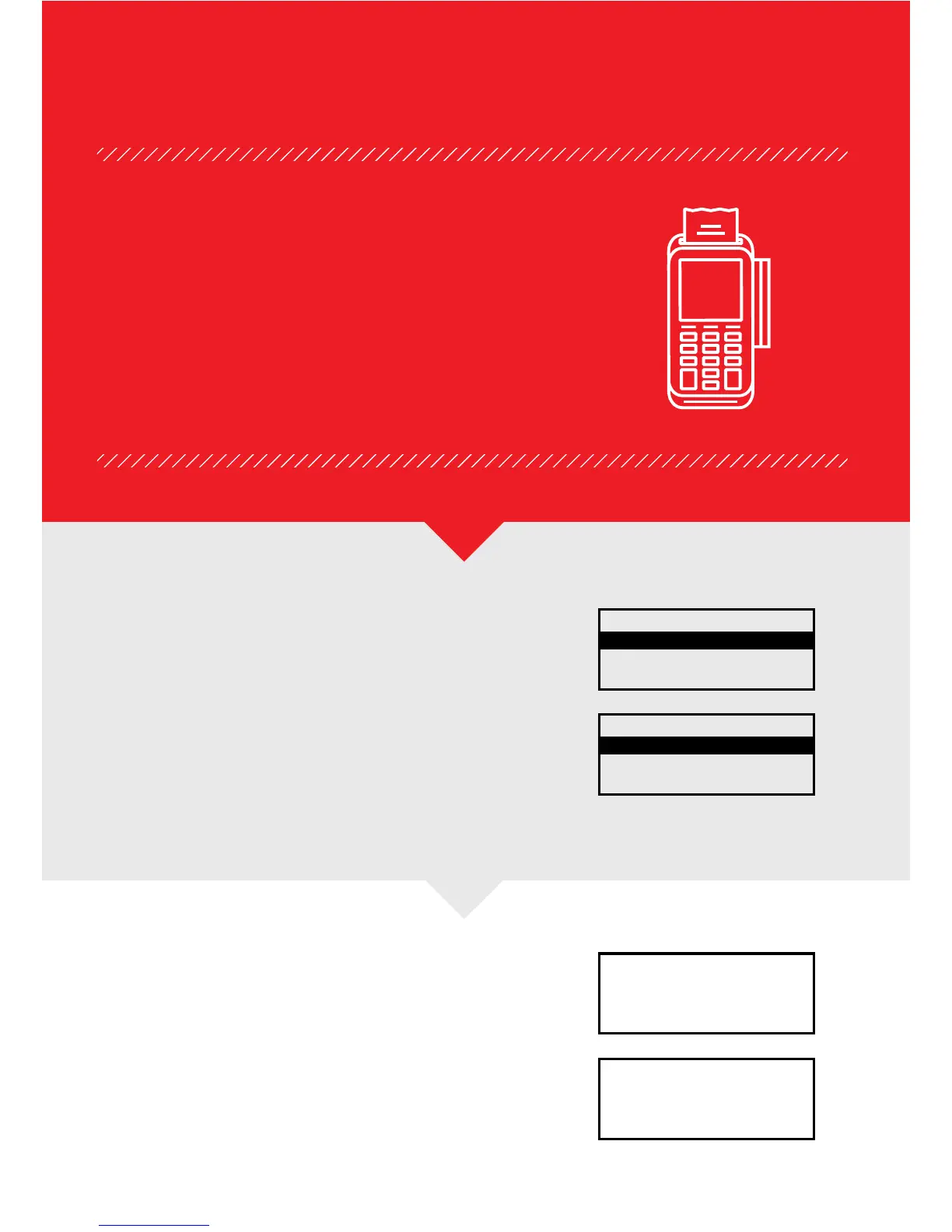
At the “READY” display, press the MENU buon twice.
Select Totals and press the green ENTER buon.
Select “End-of-Day Banking” and press the green
ENTER buon.
The terminal will ask you to enter your four-digit
Supervisor Code, followed by the green ENTER buon.
At the EFT prompt, press the green ENTER
buon. The terminal will connect, confirm
totals and print your Reconciliation report.
Tear off the report and press the green ENTER buon
to complete. If you want to reprint the report you
can press the MENU buon.
You’ll need to complete an end-of-day reconciliation report
every day during your “Banking Window”. This will improve
your cash flow and ensure selement of the correct
amount into your account. Failure to do so could result
in split selement batches or delayed funds.


 To Next Page