EasyManua.ls Logo

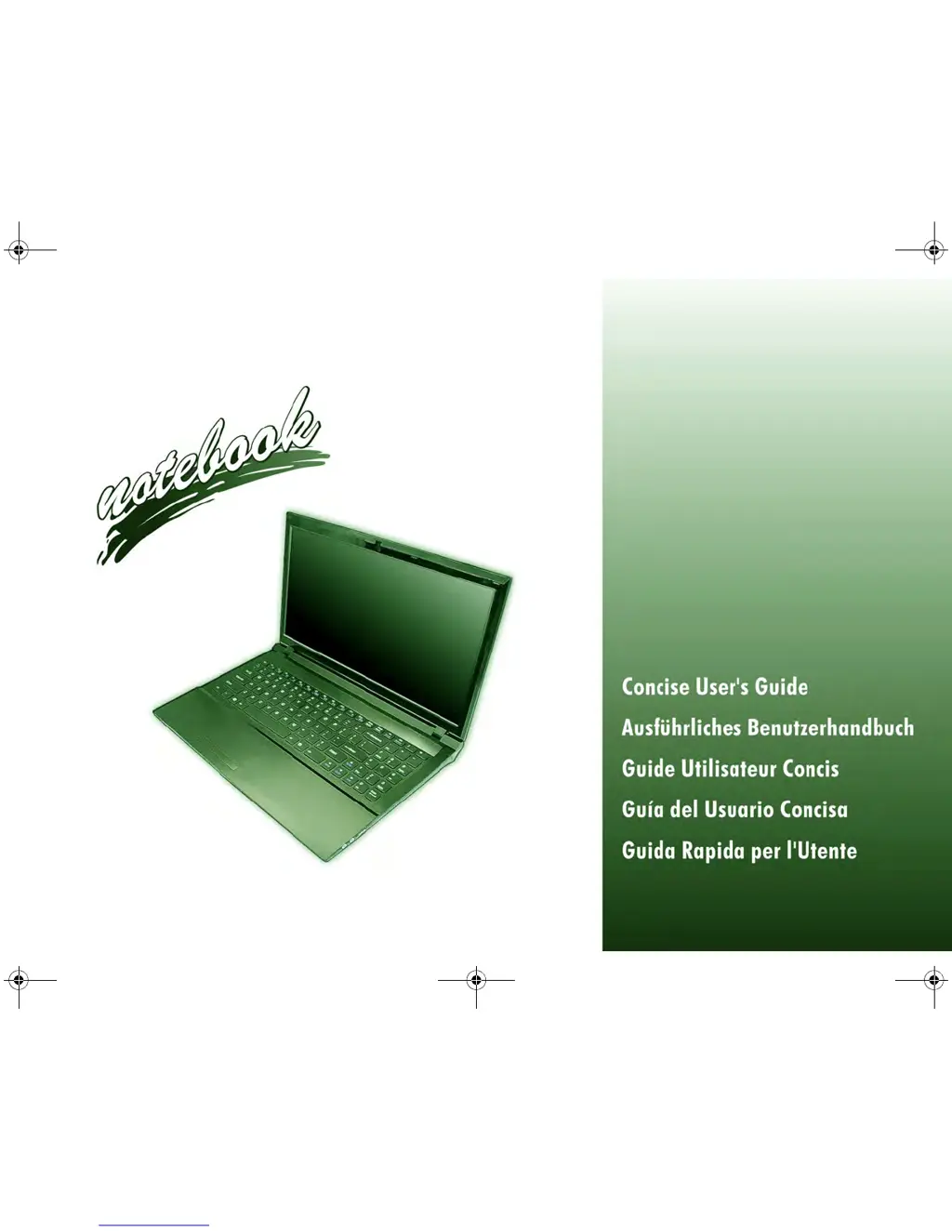
Wortmann Terra Mobile 1511 series - User Manual

Wortmann Terra Mobile 1511 series
62 pages
Print Icon
To Next Page IconTo Next Page
Loading...
C5500 CUG.book Page 1 Tuesday, August 10, 2010 1:37 PM

Table of Contents

Questions and Answers

  • B
    Brandon HendersonAug 3, 2025
    What to do if the Wortmann Terra Mobile 1511 Laptop WLAN module doesn't connect?
    • A
      Aaron ValenzuelaAug 3, 2025
      If the Wireless LAN indicators show that the WLAN module is powered on, but it doesn't connect, it might be turned off in the Windows Mobility Center. To fix this, ensure that Wireless is turned ON in the Windows Mobility Center. This will ensure proper function key behavior.
  • T
    Timothy FigueroaAug 9, 2025
    How to fix Wortmann Laptop when Wireless LAN/ Bluetooth/3.75G/HSPA modules cannot be detected?
    • B
      brandon31Aug 9, 2025
      If the Wireless LAN, Bluetooth, 3.75G, or HSPA modules on your Wortmann Laptop cannot be detected, it might be because the modules are off. Check the LED indicator or function key indicator to see if they are on. If the LED indicator is off, press Fn + F11 (WLAN), Fn + F12 (Bluetooth), or Fn + (3.75G/HSPA) to enable the modules.
  • K
    Kevin AcostaAug 15, 2025
    What to do if Bluetooth module is off after resuming from Sleep on Wortmann Terra Mobile 1511 Laptop?
    • Z
      Zachary BeckAug 15, 2025
      If the Bluetooth module on your Wortmann Laptop is off after resuming from Sleep, use the key combination (Fn + F12) to power it on.
  • L
    Luis ArnoldAug 20, 2025
    Why do captured video files from the PC Camera take up too much disk space on Wortmann Laptop?
    • S
      sydneyhartAug 20, 2025
      If the captured video files from the PC Camera on your Wortmann Laptop are taking up too much disk space, it is because capturing high resolution video files requires a substantial amount of disk space for each file. It is recommended that you save the capture video file to a location other than the C: drive, limit the file size of the captured video or reduce video resolution (Options > Video Capture Pin... > Output Size).
  • H
    hmartinAug 27, 2025
    What to do if a file cannot be copied to/ from a connected Bluetooth device on Wortmann Terra Mobile 1511?
    • M
      Mark MasonAug 27, 2025
      If you cannot copy a file to or from a connected Bluetooth device on your Wortmann Laptop, it is because transferring data between the computer and a Bluetooth enabled device is supported in one direction only. If you are copying a file from your computer to a Bluetooth enabled device, you will not be able to copy a file from the Bluetooth enabled device to your computer until the file transfer process from the computer has been completed.

Summary

Regulatory and Safety Information

Instructions for Care and Operation

Safety Information

Important safety precautions for using the computer and its accessories.

Polymer Battery Precautions

Specific safety and handling guidelines for polymer batteries.

Battery Disposal & Caution

Information on battery recycling, disposal, and replacement warnings.

System Startup

System Map: Front View with LCD Panel Open

LED Indicators

System Map: Front, Left, Right, Rear & Bottom Views

Keyboard & Function Keys

3.75 G;HSPA Module

USIM Card Insertion

Step-by-step guide for inserting a USIM card into the 3.75G/HSPA module.

Driver Installation

Troubleshooting

Specifications

Wortmann Terra Mobile 1511 series Specifications

General IconGeneral
SeriesTerra Mobile 1511
CategoryLaptop
Display15.6"
ProcessorIntel Core i5 or i7
Operating SystemWindows 10 or Windows 11
Display Resolution1920 x 1080 (Full HD)
GraphicsIntel UHD Graphics
PortsHDMI

Related product manuals