EasyManua.ls Logo

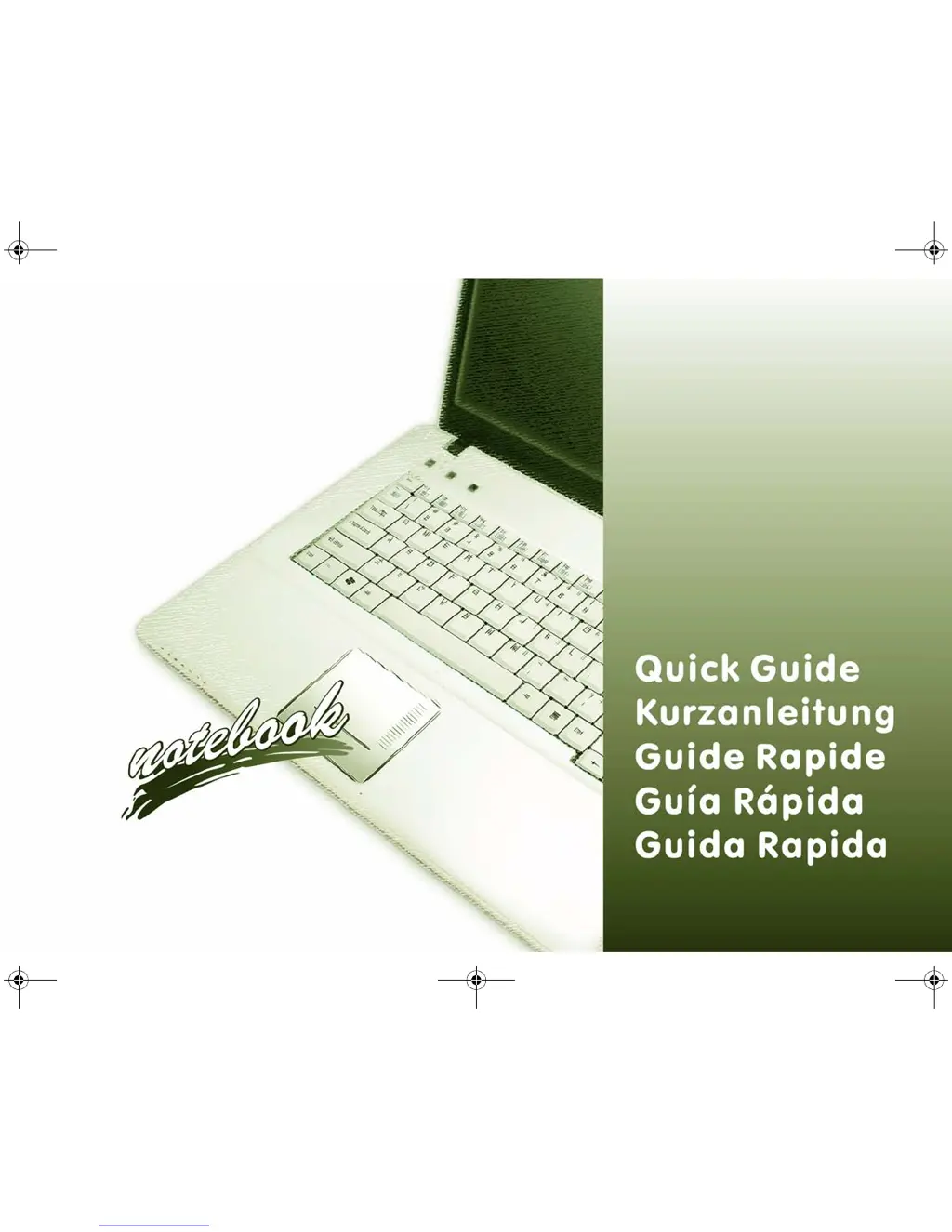
Wortmann Terra Mobile 1510 series - User Manual

Wortmann Terra Mobile 1510 series
62 pages
Print Icon
To Next Page IconTo Next Page
Loading...
MW74(6)0K QC .book Page 1 Monday, July 13, 2009 4:32 PM

Table of Contents

Questions and Answers

  • A
    Angela StevensAug 2, 2025
    How to enable Wireless LAN/ Bluetooth/3.75G/HSPA modules on Wortmann Laptop?
    • J
      Jeffrey ParrishAug 2, 2025
      If the Wireless LAN/ Bluetooth/3.75G/HSPA modules cannot be detected on your Wortmann Laptop, it might be because the modules are off. Check the LED indicator to see if the module is on or off. If the LED indicator is off, press the Fn + F11 (WLAN), Fn + F12 (Bluetooth) or Fn + (3.75G/HSPA) to enable the modules.
  • P
    Paul MorrisAug 12, 2025
    What to do if captured video files from PC Camera take up too much disk space on Wortmann Terra Mobile 1510?
    • T
      Tammy MontoyaAug 13, 2025
      If captured video files from the PC Camera are taking up too much disk space on your Wortmann Laptop, it is likely because capturing high-resolution video files requires a substantial amount of disk space. It is recommended that you save the captured video file to a location other than the C:drive, limit the file size of the captured video, or reduce the video resolution by navigating to Options > Video Capture Pin... > Output Size.
  • A
    Amanda MathewsAug 22, 2025
    What to do if a file cannot be copied to/from a connected Bluetooth device on Wortmann Terra Mobile 1510 Laptop?
    • J
      Joel CarrAug 22, 2025
      If you cannot copy a file to or from a connected Bluetooth device on your Wortmann Laptop, it may be because transferring data between the computer and a Bluetooth-enabled device is supported in one direction only. If you are copying a file from your computer to a Bluetooth-enabled device, you will not be able to copy a file from the Bluetooth-enabled device to your computer until the file transfer process from the computer has been completed.

Summary

About this Quick Guide

Regulatory and Safety Information

Details regulatory notices and safety information found on the accompanying disc.

Trademarks

Lists trademarks and registered trademarks used in the manual.

Instructions for Care and Operation

Safety Information

System Startup

System Software

Model Differences

System Map: Front View with LCD Panel Open

System Map: Front, Left, Right, Rear & Bottom Views

LED Indicators

Hot-Key Buttons

Keyboard

3.75 G;HSPA Module

Driver Installation

Manual Driver Installation

Procedure for manually installing drivers from the installation disc.

Windows Update

Guidance on enabling Windows Update for the latest security patches.

Driver Installation General Guidelines

General advice for installing drivers, including restart requirements.

Troubleshooting

Specifications

Latest Specification Information

Note on specification accuracy and potential changes by the manufacturer.

CPU

Information regarding the CPU, noting it is not user-serviceable.

Processor

Detailed technical specifications for the AMD Athlon 64 processor.

LCD Options

Details the specifications for the LCD panels available in Model A and Model B.

Core Logic

Information on the core logic chipset used in the computer.

Memory

Specifications for the computer's memory slots and expandability.

Video Adapter

Details on the graphics card and its compatibility.

BIOS

Information about the BIOS flash ROM and its type.

Storage

Details on the available optical drive and hard disk drive configurations.

Audio

Specifications for the audio interface, speakers, and microphone.

Keyboard

Description of keyboard types for Model A and Model B.

Pointing Device

Information about the integrated touchpad functionality.

Security

Interface

Communication

Card Reader

Power

Environmental Spec

Dimensions & Weight

Optional

Wortmann Terra Mobile 1510 series Specifications

General IconGeneral
Display15.6 inches
GraphicsIntel UHD Graphics
Operating SystemWindows 10 Pro
Weight1.7 kg
Battery LifeUp to 8 hours
Display Resolution1920 x 1080 (Full HD)
Portsheadphone/microphone combo jack

Related product manuals