6
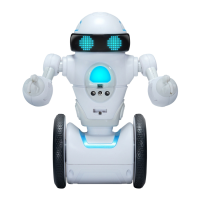
How to Play with your MiP™ Arcade
**Balancing MiP™ Arcade**
Find a at surface and place MiP™ Arcade’s wheels on it. Without letting go, MiP™ Arcade will
detect the surface and initiate self balance. You can let go of MiP™ Arcade as soon as you feel
MiP™ Arcade has gained traction of the surface.
**Default Mode**
MiP™ Arcade loves to play. Pick him up, shake him, tap his head, double clap your hands to
trigger a bunch of fun reactions.
**Gesture Control**
Control MiP™ Arcade with hand gestures.
Note: You can only use hand gestures to guide MiP™ Arcade in non-app modes. Ensure gestures
are close to MiP™ Arcade’s chest for him to detect.
**Dance Mode**
Double tap MiP™ Arcade’s head to watch MiP™ Arcade perform a dance!
**Record Mode**
When MiP™ Arcade isn’t balancing, tap MiP™ Arcade’s head twice to trigger record mode. An audio
signal will let you know when to begin recording (record up to 3 seconds of audio). On successful
recording, you will hear your recording repeated to you.
Turn MiP™ Arcade’s wheels to manipulate the playback and dance speed (while MiP™ Arcade still isn’t
balancing) OR Shake MiP to erase your recording.
Place MiP™ Arcade on the oor and tap head twice to watch MiP™ Arcade dance to your recording.
**Basketball Mode**
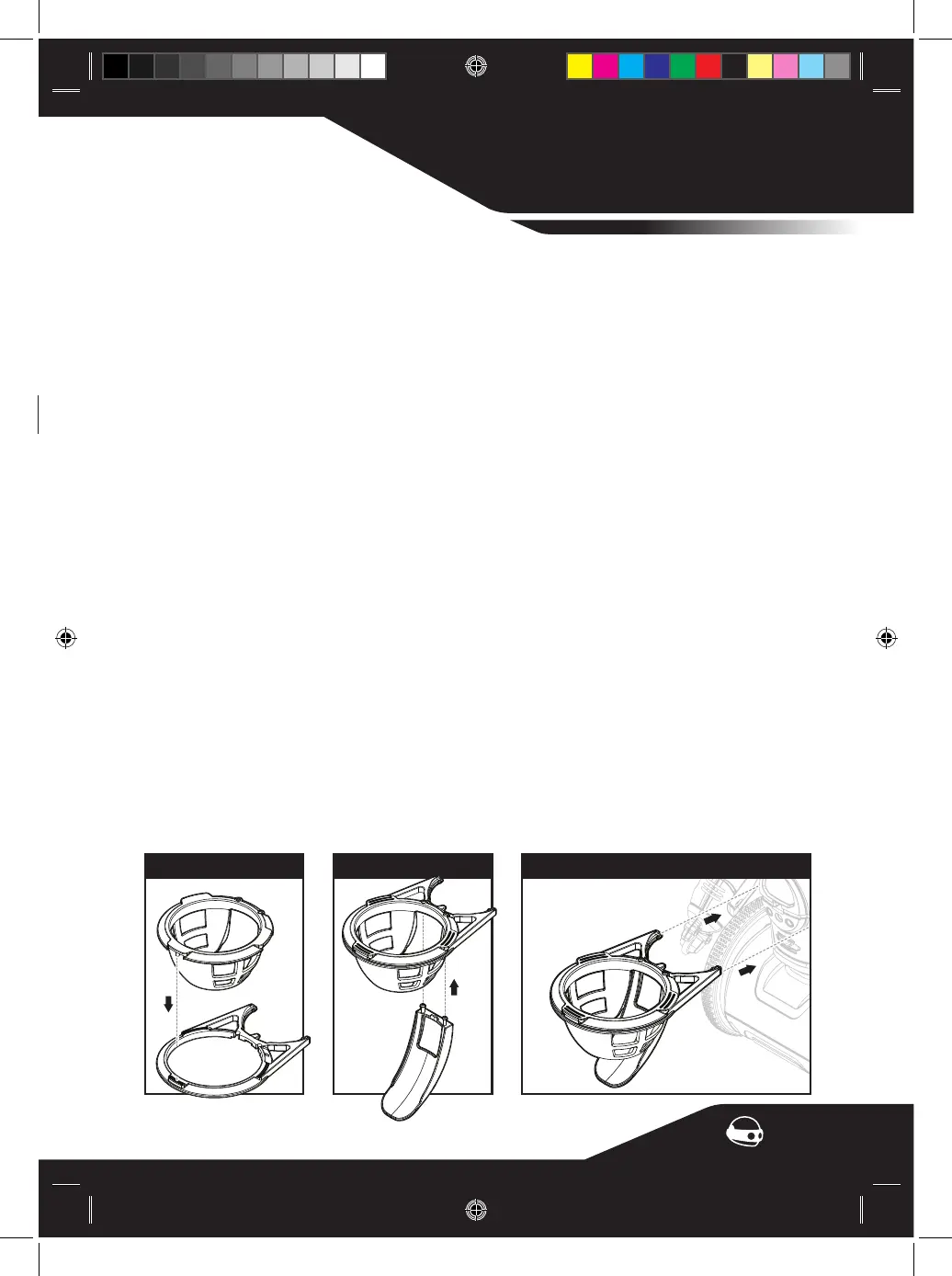
Insert basketball hoop into MiP™ Arcade’s chest, MiP™ Arcade’s chest LED will turn orange to indicate
Basketball Mode is active.
Shoot basketballs through the hoop to score. Level up by scoring 5 baskets within 30 seconds. MiP™
Arcade will celebrate and increase level of difculty. You will lose by failing to score 5 baskets within
30 seconds.There are a total of 3 levels. See table below for more info:
Level 1 (easy) - MiP™ Arcade will stand still
Level 2 (novice) - MiP™ Arcade will turn side to side slowly
Level 3 (expert) - MiP™ Arcade will turn side to side quickly
Keep scoring and the game will never end!
To exit Basketball Mode, simply detach hoop from MiP™ Arcade.
MODES
MiP
™
How to Assemble the Basketball Hoop
Step 1
Step 2
Step 3
0842US02TOP_IML.indd 60842US02TOP_IML.indd 6 3/7/2020 2:23 PM3/7/2020 2:23 PM


 To Next Page