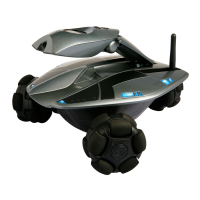
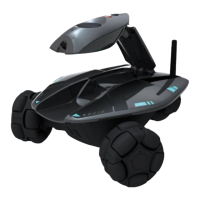
Camera controls
Command Description
Camera.position.low
Positions.the.neck.at.the.lowest.position
You.can.also.use.the.keyboard.button.1
Camera.position.mid-way
Positions.the.neck.mid-way.
You.can.also.use.the.keyboard.button.2
Camera.position.high
Positions.the.neck.at.full.height.
You.can.also.use.the.keyboard.button.3
Camera capture control
Command Description
Camera.
Allows.you.to.take.a.still.photo.screen.capture.and.send.it.to.a.specied.
email.address
NOTE:.To.send.the.screen.capture.to.a.specied.email,.you.need.to.rst.
congure.the.screen.capture.settings.Refer.to.the.description.of.the.
Photo.tab.in.the.Settings.section
Headlight control
Command Description
Headlight
Toggles.Rovio’s.headlight


 To Next Page