A
Rovio™ Quick Start Guide
Congratulations and welcome to the world of WowWee™ Te chnologies!
This Quic k start g uide will help you get you r Rovio™ up and running.
For more in formation about using your Rovio, refer to the Rovio U ser manual . You can also vi sit
the WowWee Support site at www.wow wee.com/su pport/rovi o for the lates t downloads,
video tut orials, troublesh ooting tips and Rovio online h elp.
Checklist
To get started, you will need:
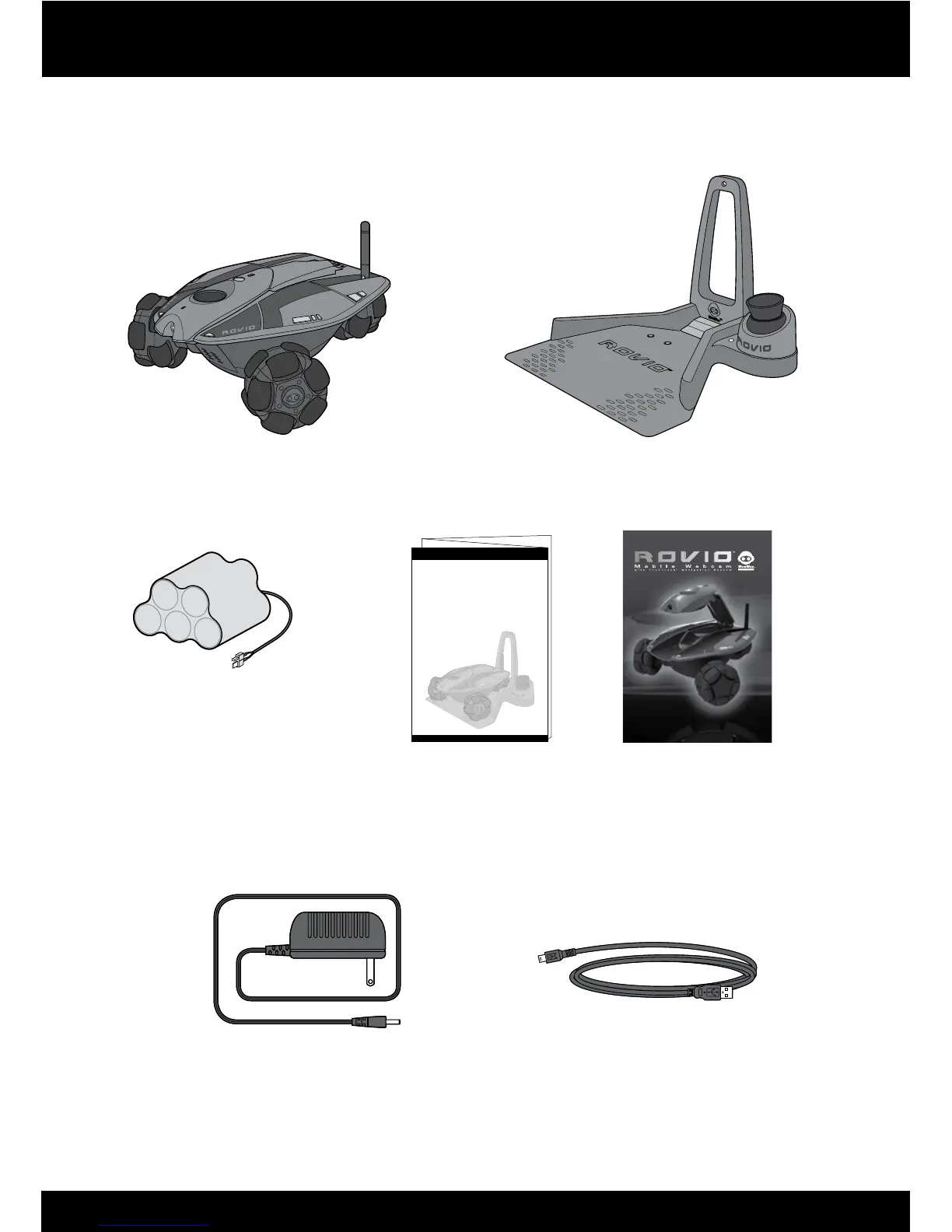
Rovio □
Charging dock (w/ Tr ueTrack™ Beacon) □
Charging dock mast □
Battery pack □
AC/DC power adapter □
USB cable □
Phillips screwdriver (not included) □
Rovio Software
□
Rovio Quick start guide □
You will also need to know:
Your wireless router’s network ID (SSID) □
Your router’s encryption key (password), if you use one □
Here are the steps you will go through:
Setting up the charging dock1.
Charging the battery pack2.
Confi guring your R ovio3.
Accessing Ro vio’s interface4.


 To Next Page