9
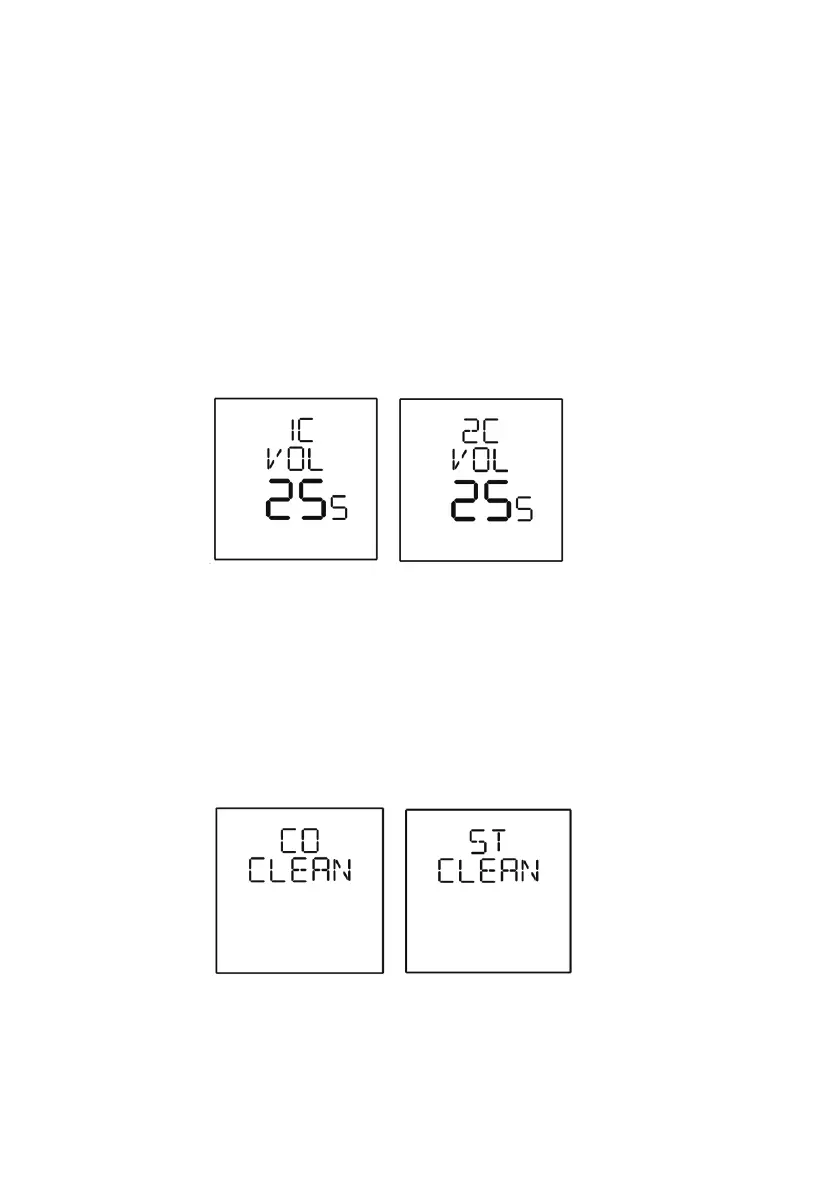
1 cup volume: adjust the 1 cup volume (LCD will display the time counting,
but the volume will be determined by flow meter); press and
hold “1 cup” button for 3 seconds then the machine will start
brewing, when the coffee volume is enough, press again
“1 cup” button to save
2 cup volume: adjust the 1 cup volume (LCD will display the time counting,
but the volume will be determined by flow meter); press and
hold “2 cup” button for 3 seconds then the machine will start
brewing, when the coffee volume is enough, press again
“2 cup” button to save
Cleaning mode: pressing “CLEAN” button to choose coffee (group head)
(CO CLEAN) or steam (ST CLEAN) piping cleaning function, then press
“PROGRAM” button to start the cleaning process.
During cleaning function, press and hold “CLEAN” button for 3 seconds
to stop and back to standby mode.
*Please refer to the Cleaning Guidelines next page for details.



 To Next Page