Configuring pH 315i
8
Configuring
The following setting can be adapted individually to your requirements (the
delivery status is shown in bold typeface):
Procedure for configuring (factory settings appear in bold typeface):
Note
At this point, the AutoCal TEC calibration can be terminated with
<M>. This corresponds to a two-point calibration. The instru-
ment uses the slope and the asymmetry of calibration range I.
l Immerse the pH electrode in the second buffer solution to continue the
two-point calibration.
l Press <RUN/ENTER>. The AutoRead measurement begins. The elec-
trode voltage (mV) or the buffer nominal value appears on the display.
l If the measured value is stable, the instrument displays the value of the
slope and the evaluation of the calibration in calibration range II.
l Press <RUN/ENTER>. The instrument displays the value of the asymme-
try in calibration range II. The three-point calibration is completed.
l Switch to the measuring mode with <M>.
8
4
2
3C
t
°C
TP
pH
AutoCal TEC
pH
85
8
mV/pH
-
pH
0
mV
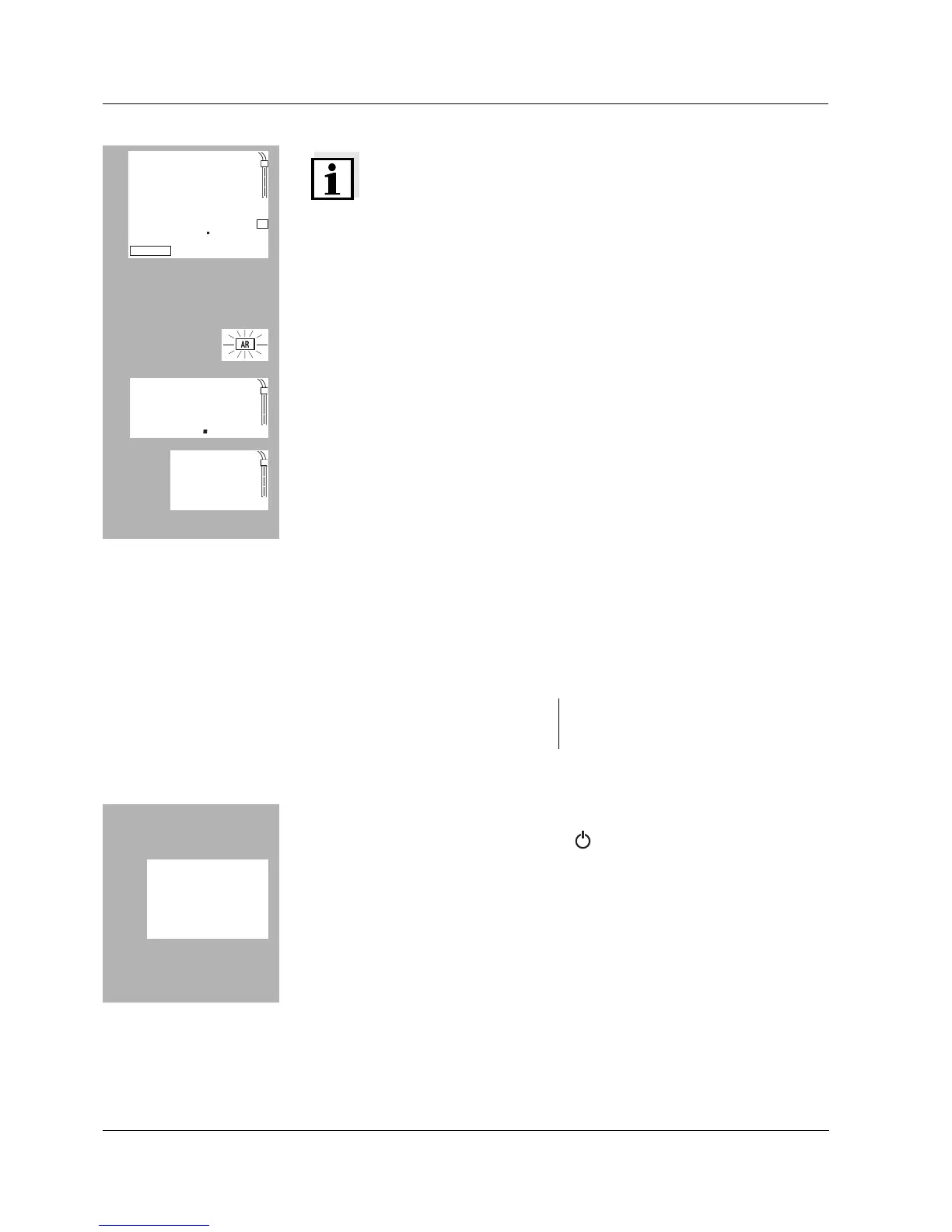
Display during pH calibration Buffer nominal value, or current
electrode voltage
l Switch off the measuring instrument.
l While pressing the <M> key, press <>.
l Select the required display during the pH calibration with <CAL>.
Selection: Buffer nominal value (/pH) or current electrode voltage (mV).
l Then press the <RUN/ENTER> key. The measuring instrument automat-
ically switches to the measuring mode.
LC
A
pi
sd
/pH


 To Next Page