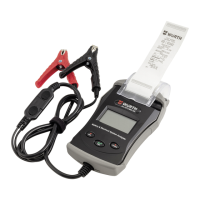
22
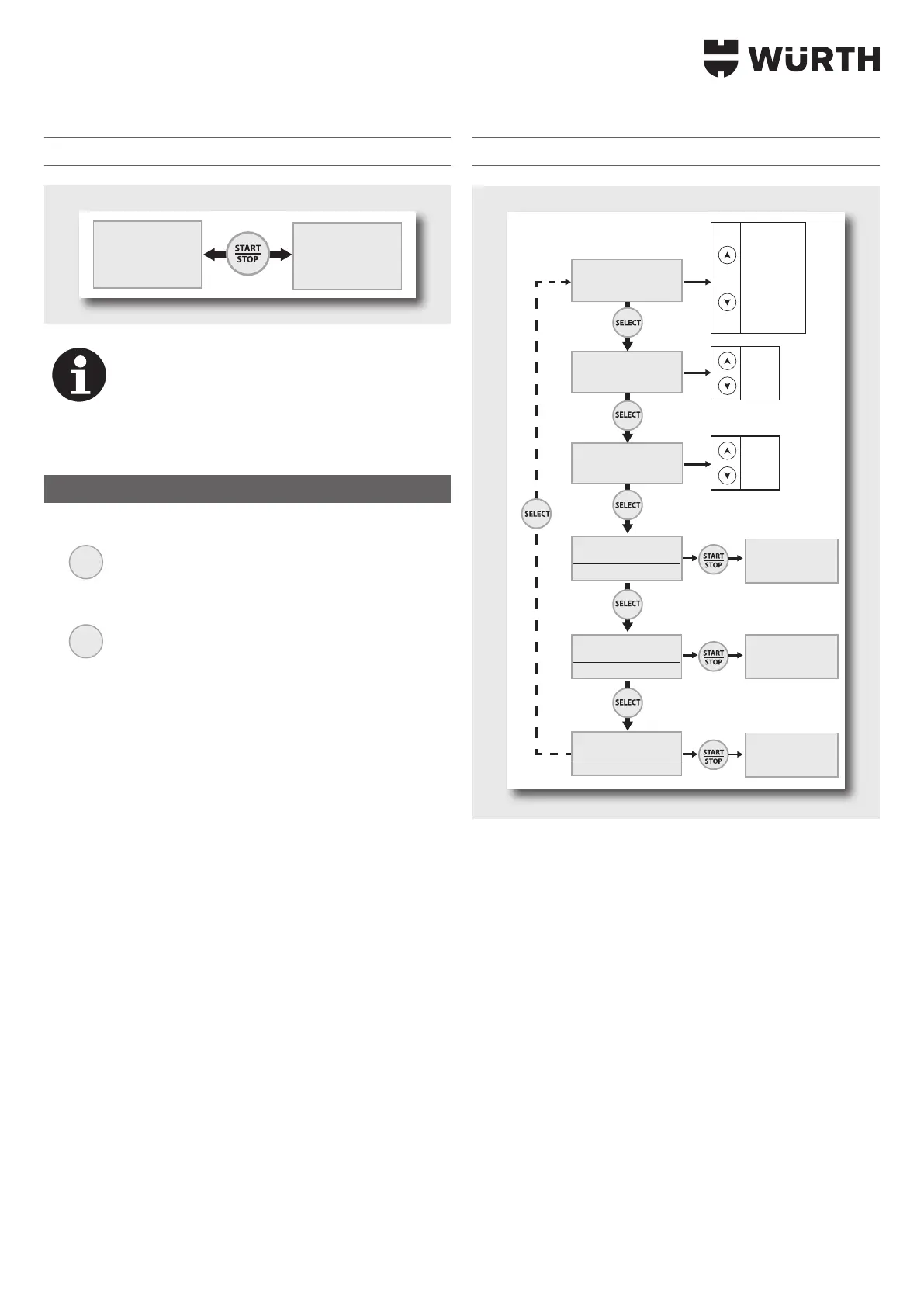
Start POWER SUPPLY mode
POWER SUPPLY
U=19.6V I<50A
POWER SUPPLY
U=19.6V I=10A
Note
In contrast to the other modes, in POWER SUPPLY mode,
the voltage drop in the cables is not compensated. In
this case, the voltage on the display corresponds to the
output voltage of the device (and not the voltage at
the terminals).
Settings menu
f Access to the Einstellungen [Settings] menu item:
MODE
3 sec - Settings
f
To access the submenus, press the Select button
SELECT
Languages > Restart > Lock Showroom > Check cables >
ADVANCED MENU > Reset Memory
Submenu
Languages:
This menu is used to select the languages (using the arrows).
Automatic restart:
The automatic restart function only works in Showroom, Ladung
[Charging]
or Power Supply mode. In the event of a power failure, this
function enables automatic restart of the charger and the automatic
restarting of charging. The “Automatic restart” function, is activated
with “Setting – Restart: ON”.
«Lock Showroom»:
For locking Showroom mode («Lock button», to prevent misuse).
Activate the “Lock Showroom” function with the setting “Einstellung
[Setting] – Lock Showroom: Y”.
Settings menu
EINSTELLUNGEN
Deutsch
EINSTELLUNGEN
neustart: OFF
Y (yes)
N (no)
ON
OFF
English
Francais
Deutsch
Nederlands
Espanol
Portugues
Italiano
Russian
...
EINSTELLUNGEN
Kabel überprüfen:
START drücken
EINSTELLUNGEN
lock showroom: N
EINSTELLUNGEN
Advanced menu:
START drücken
EINSTELLUNGEN
Reset Memory:
START drücken
KABEL
ÜBERPRÜFEN
Advanced menu
Reset Memory
Short cut for Lock Showroom:
Lock Showroom can also be activated without accessing the Einstellun-
gen [Settings] menu:
f Press the OFF switch.
f Press the Mode switch.
f Switch the device back on by pressing and holding Mode.
3 The display shows WÜRTH 100 A for 3 seconds.
f Press and hold the Mode switch until:
Lock Showroom: Y is displayed.


 To Next Page