2323
Cable calibration:
This tool must be used every time the cables are replaced. The
device can be equipped with cable of up to 2 x 8 m of cross-section
16 mm².
OK: Calibration was successful.
FAULT: A problem occurs during calibration. In this case, the calibra-
tion has been reset to the factory settings. Check the cable condition,
briey connect the clamps and repeat the process.
ADVANCED MENU (Code 1-9-6-4):
This menu is only suitable for experienced users.
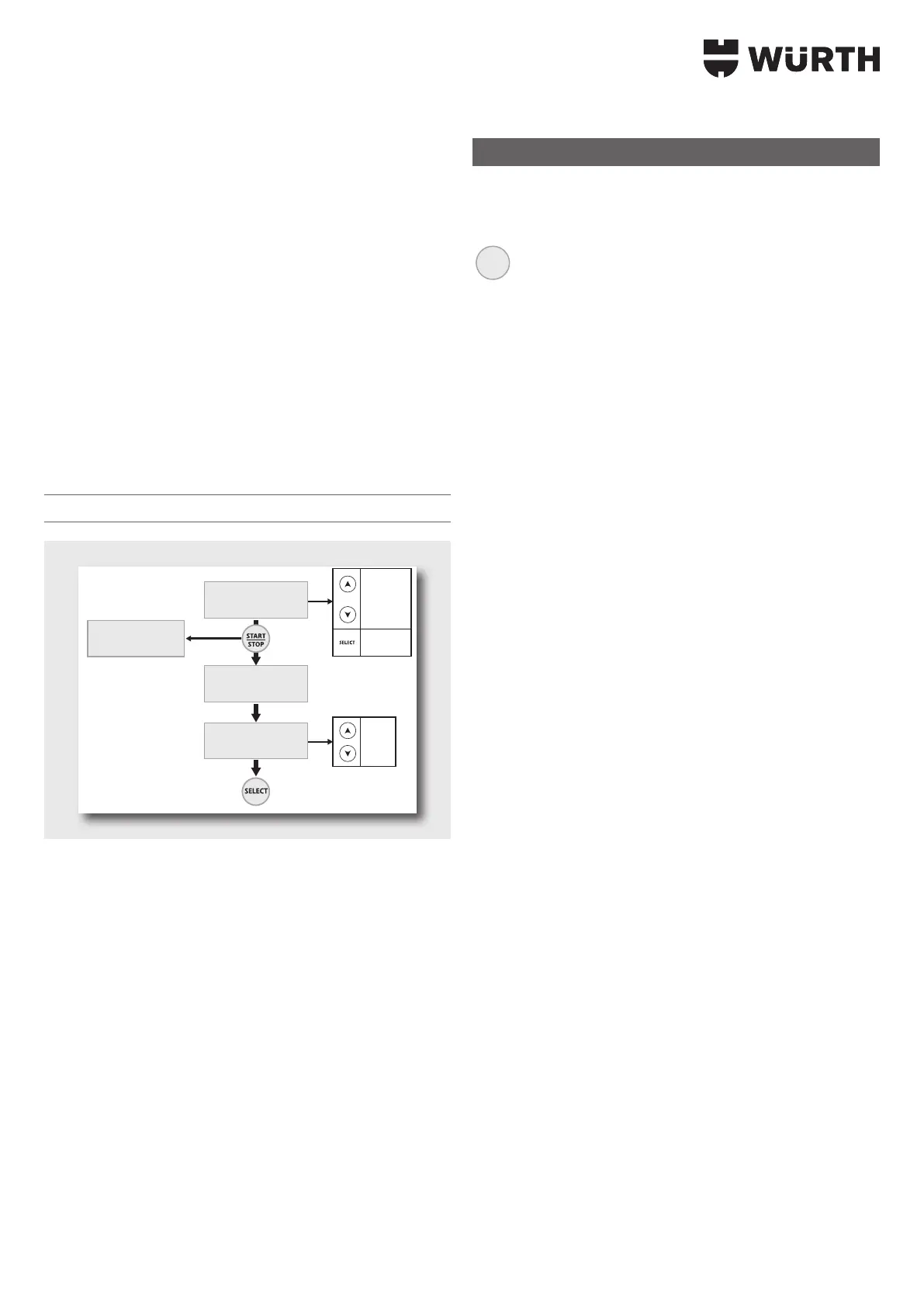
Access to the menu, enter the above code (
Select to change the
number and Start/Stop to conrm the code).
Reset Memory (Code 1-9-6-4):
This menu can be reset to the charger’s factory settings using the
above code. Your personal settings are deleted.
Reset Memory
RESET MEMORY
Code OK
Yes
No
RESET MEMORY
Reset all ?
RESET MEMORY
Code: 0000
Code OK
(1964)
RESET MEMORY
Error Code
Code NOK
Display 1s
0
1
...
9
Änderung
der Zahl
Advanced Menu
This memory enables the conguration of the expanded settings. To
switch between the settings, press on the Select button:
SELECT
Activate Batteriewechsel-Modus [Battery Change mode] >
Activate Power Supply > Activate Expert Curve (> Settings
Conguration Expert Curve)
Activation of Battery Change mode:
f To activate Battery Change mode, select the Advanced Menu.
f Battery change: ON.
3 This mode will therefore be available on the mode list.
Activation of «Power Supply» mode:
f To activate Power Supply mode, select «ADVANCED MENU»:
f Power supply: «ON».
3 As a result, this mode is available in the list of modes.
Activation of the «EXPERT» curve:
f To activate Power Supply mode, select «ADVANCED MENU»:
f Expert Curve: «ON».
3 As a result, this curve is available in charging mode in the list
of charging curves.


 To Next Page