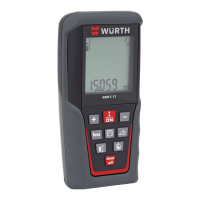
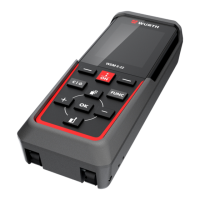
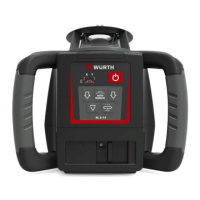
Würth RL 5-14
58
Applications
en
Setup
4.11 More Applications
More applications Exterior Applications
• Setting elevation of forms and footings
• Squaring of forms
• Checking elevations and benchmarks
• Landscaping
• Drainage and septic systems
5. Using the buttons on the laser or the remote control, fine adjust the beam until striking the second control
point.
6. Once aligned the split beam and rotating beams can be used to locate 90° angles for layout. The
rotating beam also creates a vertical plane for transferring points from the floor to the ceiling.
Step Description
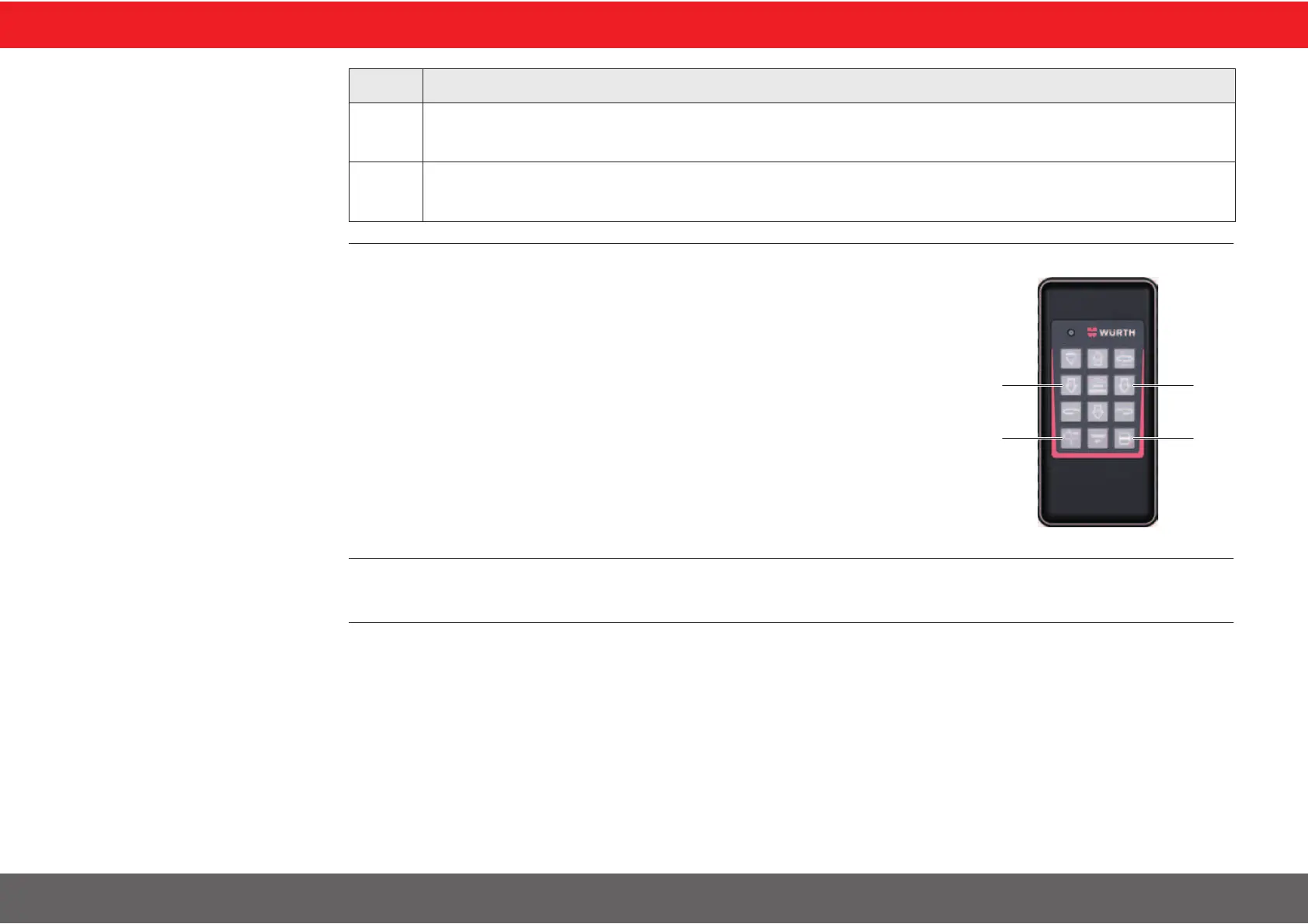
When using the RL 5-14 in the laydown position use the left or right arrow buttons
on your remote control to quickly align the vertical plane or plumb beam to the
second reference point. (1).
The scanning beam can be moved quickly to the left or right side of the laser
using the Scan 90° button (2).
To check the alignment over a point press the Beam down button (3).


 To Next Page