After selecting the user, continue to press the “SET” button and the scale
will switch to the height setting mode.
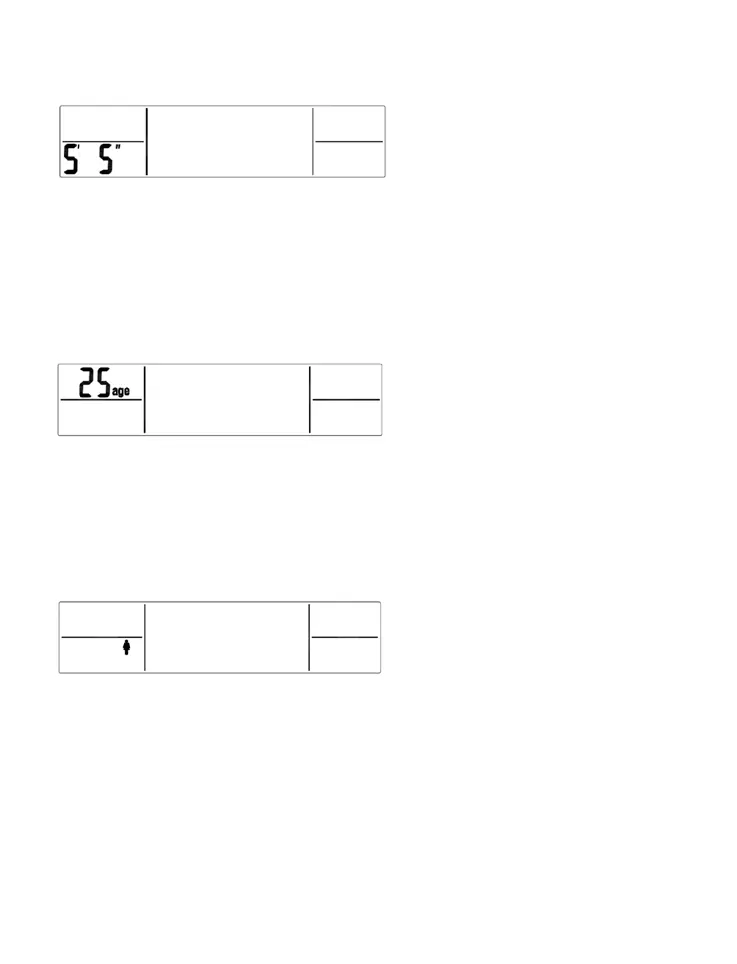
ST/feet and inches mode
Height will ash. Press the UP or DOWN button to choose the height. If the
scale is set to measure in pounds, the height will display in feet and inches.
If it is set to measure in kgs, the height will display in cm. Pressing and
holding the UP or DOWN button will advance numbers quickly. Press the
SET button to conrm the height.
After selecting the height, continue to press the “SET” button and the scale
will switch to Age setting mode.
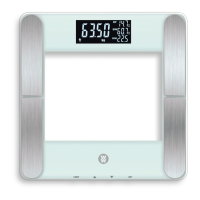
Age will ash. Press the UP or DOWN button to choose the age (18-100).
Pressing and holding the UP or DOWN button will advance numbers quickly.
Press the SET button to conrm the Age.
After selecting the Age, continue to press “SET” button and the scale will
switch to the gender setting mode.
The gender icon will ash. Press the the UP or DOWN button to choose
between male and female.
After selecting the Gender, press “SET” to conrm the personal data setting
has been completed. The scale will save the data and scroll through all
settings in succession. Then the scale will turn off automatically after a few
seconds. Before scale turns off, you can enter the body fat measurement
mode (see below).


 To Next Page