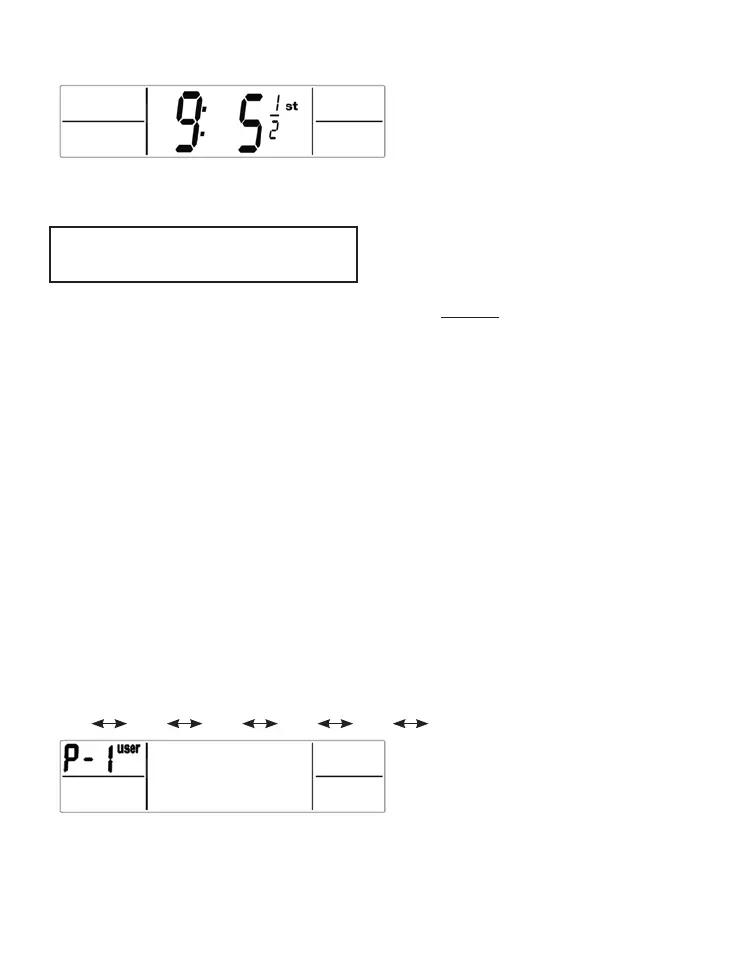
• Your weight displays.
• The scale turns off.
PROGRAMMING YOUR SCALE
For Weight & Body Analysis
Please read these instructions completely before programming.
This scale can be customised for up to 4 users. While the customisation
process is not difcult, it may be easiest to read all the instructions rst to
familiarise yourself with them. Then keep the instruction manual handy as
you go through the process step by step.
Personal Data Setting Mode
The user buttons are on the top edge of the scale, and functions
correspond to the illustrations on the front of the scale.
Personal Data Setting
Tap the platform rmly to activate the scale. The whole screen will appear.
Wait for “0.0” to show, then press the “SET” button to enter into Personal
data setting mode.
User “P-1” will ash. Press the UP or DOWN button to choose user number
(user 1 to user 4). Press the SET button to conrm.
P-4
P-1 P-2 P-3 P-4 P-1….


 To Next Page