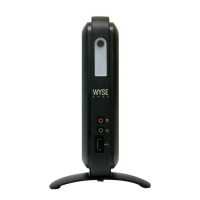
Installation Guide
Wyse
®
V90 Thin Client
512-MB RAM Upgrade Option Kit
About This Guide
This guide describes how to install your 512-MB RAM Upgrade Option Kit in a Wyse V90
thin client. This guide is intended for users of Wyse V90 thin clients.
Before You Begin
This section provides information about kit warranty, kit contents, the tools needed, and
accessing Technical Suppport and related online resources.
Kit Warranty
The warranty on this kit assumes the remaining months of warranty of the thin client in
which it is installed, or for 90 days, whichever is greater. Installation of this kit will not void
the factory warranty, however the user will be responsible for damage due to improper
installation.
What’s in the Kit
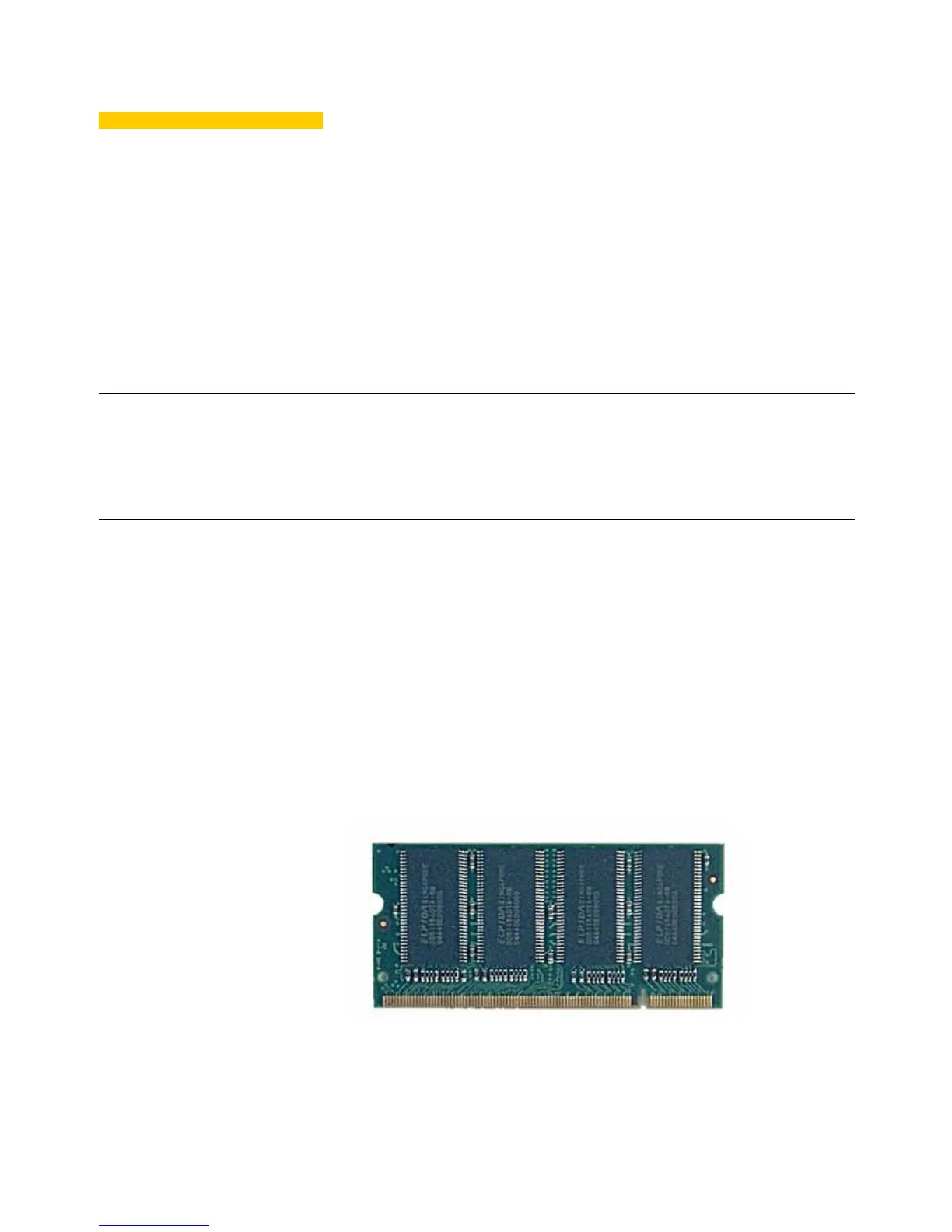
Included in the kit is the 512-MB RAM module (your module may look different).
Required Tools and Materials
You will need a #1 Phillips Screwdriver and a small Flat-Edge Screwdriver to install the kit.


 To Next Page