34
35
Chapter 15 Speci cationsChapter 14 Maintenance and handling
Cleaning the device
› Unplug the power cable before cleaning. Always use a soft and dry cloth to clean the unit’s
exterior. If the device is extremely dirty you can use a soft cloth, dampened with water or a mild
cleaning solution to clean. Never use any abrasive or harsh cleaning agents (e.g. alcohol, benzine
or thinners) as these could damage the controls, casing or any markings and labels found on the
device.
Technical data
› Operating voltage: AC 230 V/~50 Hz
› Max. power consumption: 12 W
› Connections: 1x Stereo OUT jack
RJ-45 jack
Wi-Fi 2.4 G connection
USB 2.0 connection
Optical OUT jack
› Dimensions (incl. feet)): 430 x 303 x 90 mm
› Weight: 3.8 kg
Delivery contents
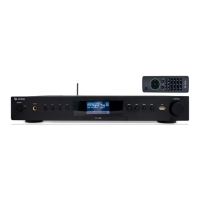
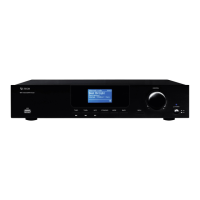
› X4-TECH Internet radio IR-1200
› Remote control
› Batteries
› Wi-Fi antenna 2.4 GHz
› RCA cable
› Service data sheet
› Instruction manual
15
Speci cations


 To Next Page