10
11
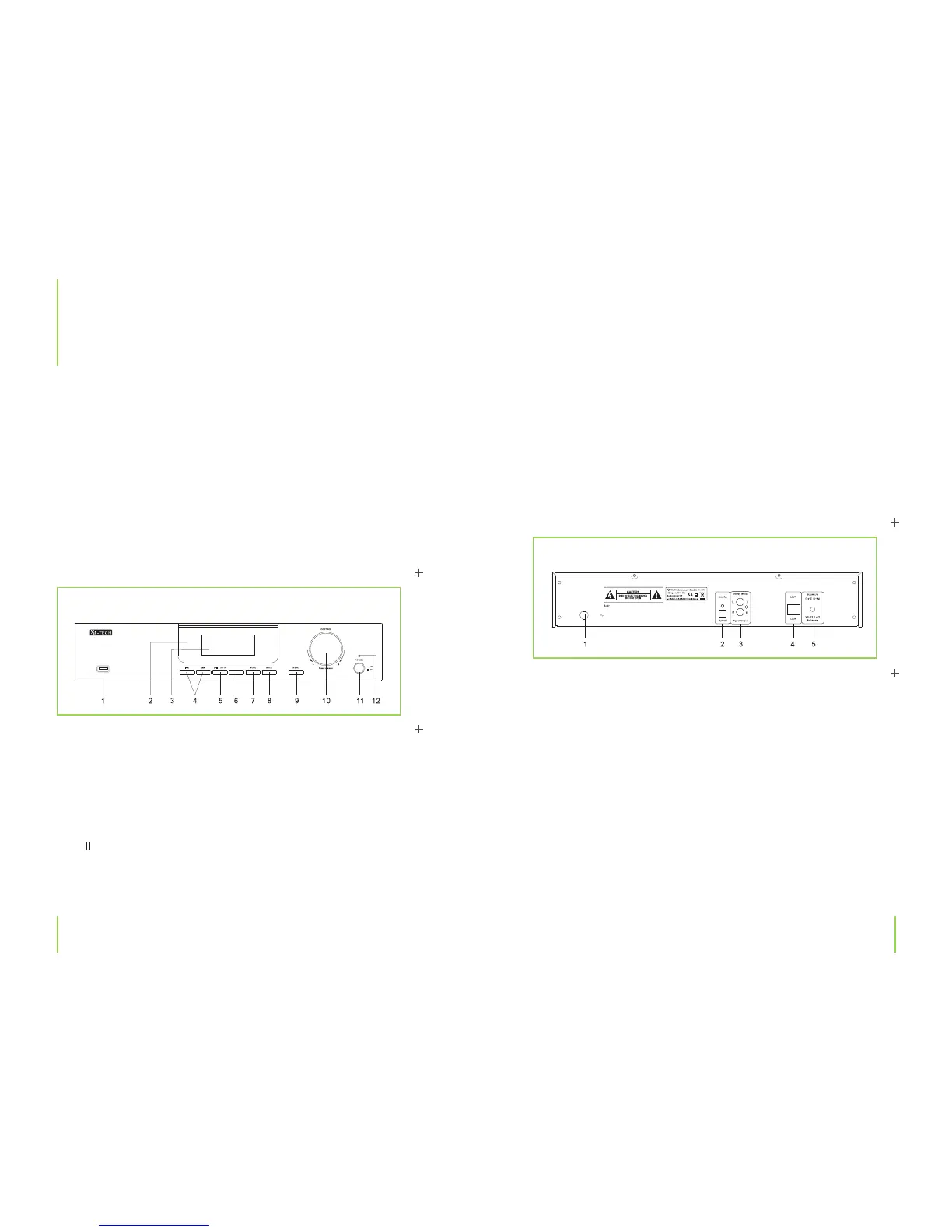
6. REPEAT: Switches through various repeat options.
7. MODE: For selecting an operating mode.
8. BACK: Returns to the previous menu.
9. MENU: Opens/Closes a menu.
10. CONTROL/SELECT: Menu navigation, press to select.
11. Power ON/OFF: Press to turn the device on and o .
12. Control LED: Lights up in an operational mode.
1. Power cable
2. Optical output
3. Signal output jacks for connection to an ampli er
4. RJ-45 jack for connection to a network
5. WLAN antenna connection
Chapter 3 The deviceChapter 3 The device
3
The device
Front panel
Features
› Internet radio via LAN or WLAN
› Fluorescent display
› Plays music les stored on a network (Shared Media)
› Remote control
› USB 2.0 connection
› Optical output
› Plays MP3 and WMA les
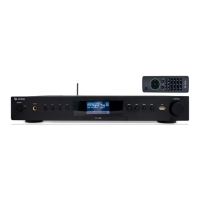
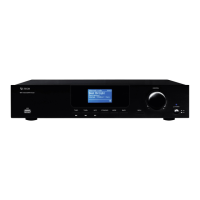
The IR-1200
1. USB connection
2. Infrared sensor
3. Display
4.
l / l
Switches to the previous/next song during „Media Player“ operation.
Keep depressed to fast rearward / forward.
5. /
/ INFO
Displays available information during radio operation,
press to pause/play during „Media Player” operation.
Rear panel
USB
REPEA T
IR-1200
WiFi/LAN Interne t R adio
/
AC 230V 50Hz


 To Next Page