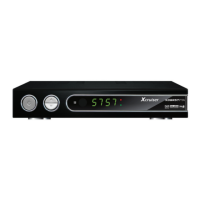
XDSR385HD
4
Index
INDEX ...................................................................................................4
Precautions .............................................................................................6
1. Important Safety Instructions ..........................................................6
2. Notice ..............................................................................................6
3. Copyright ........................................................................................7
4. Disclaimer .......................................................................................7
5. Trademarks .....................................................................................7
Before You Begin ....................................................................................8
1. Main Features .................................................................................8
2. Accessories ....................................................................................9
Hardware Description...........................................................................10
1. .............................................................10
2. ............................................................. 11
3. Remote Control Unit .....................................................................12
Connecting diagram .............................................................................14
1. Receiver to Adaptor ......................................................................14
2. Receiver to TV with Digital A/V Output .........................................14
3. Receiver to TV with Analog A/V Output ........................................16
4. Connecting to Antenna Cable .......................................................16
5. Guide to mounting an STB on TV back panel (Optional) .............. 18
Guide of Functions ...............................................................................19
1. Selecting a Service .....................................................................19
1.1 Using CH UP/DOWN buttons ..............................................19
1.2 Using Service List ................................................................19
1.3 Using Simple Service List ....................................................19


 To Next Page