NANJING XIANFEI ROBOT TECHNOLOGY CO., LTD.
7
Z-2 User Manual
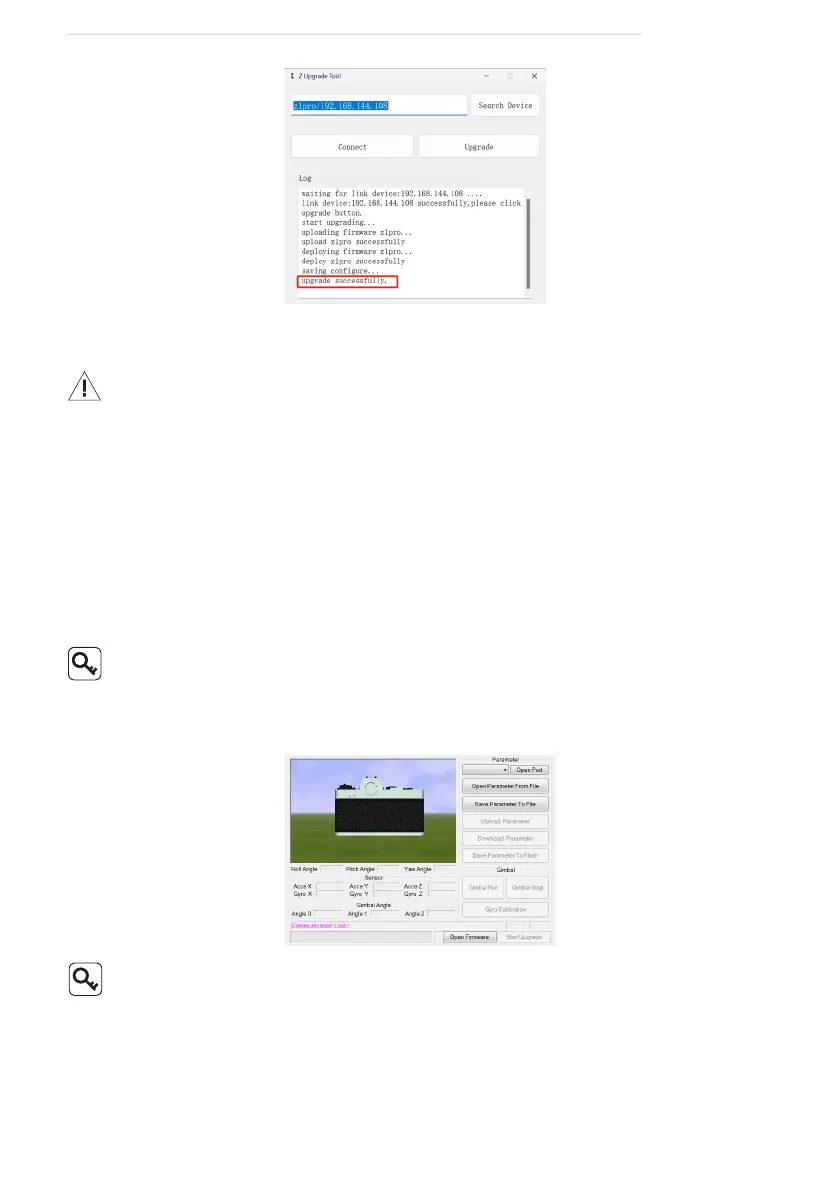
Gimbal Upgrading
Ensure the driver of the Config Module is installed on the computer
before upgrading.
1. Connect the upgrading port and the computer with the J1.0 Cong Module.
Power up the pod.
2. Run
GimbalCong
software. Select the COM port corresponding to the
Cong Module. Click "Open Port" and conrm the software and the gimbal
being connected.
3. Click "Open Firmware". Select the rmware le. Click "Start Upgrade" and
wait for the upgrade to complete.
For some brands of dual Type-C cables, there may be cases where the
computer cannot recognize the Cong Module. Please try replacing it
with a Type-A to Type-C cable.
Real-time Video Playing
Example as camera IP address 192.168.144.108:
Stream address: rtsp://192.168.144.108/2
Visit the www.allxianfei.com for more information in the Video Center.



 To Next Page