Switch AM bandwidth
Continuous short press (BW/ ) can switch AM bandwidth
FM stereo switch
1. FM is mono radio mode when horn is used for radio reception
2. In the headset receiving FM state, short press the (ST/B) key,
stereo symbol( )display. Click the stereo symbol ( )
again to show cancel, stereo off
Stereo Headphone Output
This machine is equipped with FM and Bluetooth/MP3 stereo
headset output .Use the 3.5 headphone jack.
FM/SW external input jack
The machine is equipped with FM/SW external antenna 3.5
headphone socket to improve the indoor reception sensitivity
—
Tips
—
Stereo will not be turned on when the radio station uses mono
radio or the reception signal is weak
Bluetooth/MP3 playback function
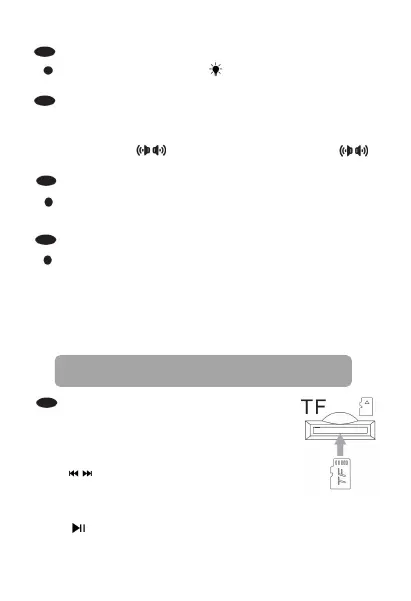
1.Insert TF card with music file
TF Card MP3 player
2.Press the(MUSIC) key briefly to enter the
TF card MP3 playing state
functions
3. Short press these two keys to select the
previous song and the next song [TUNING] can
also select songs. Long press for fast rewind and fast forward
4. Play/pause function button
7.



 To Next Page